
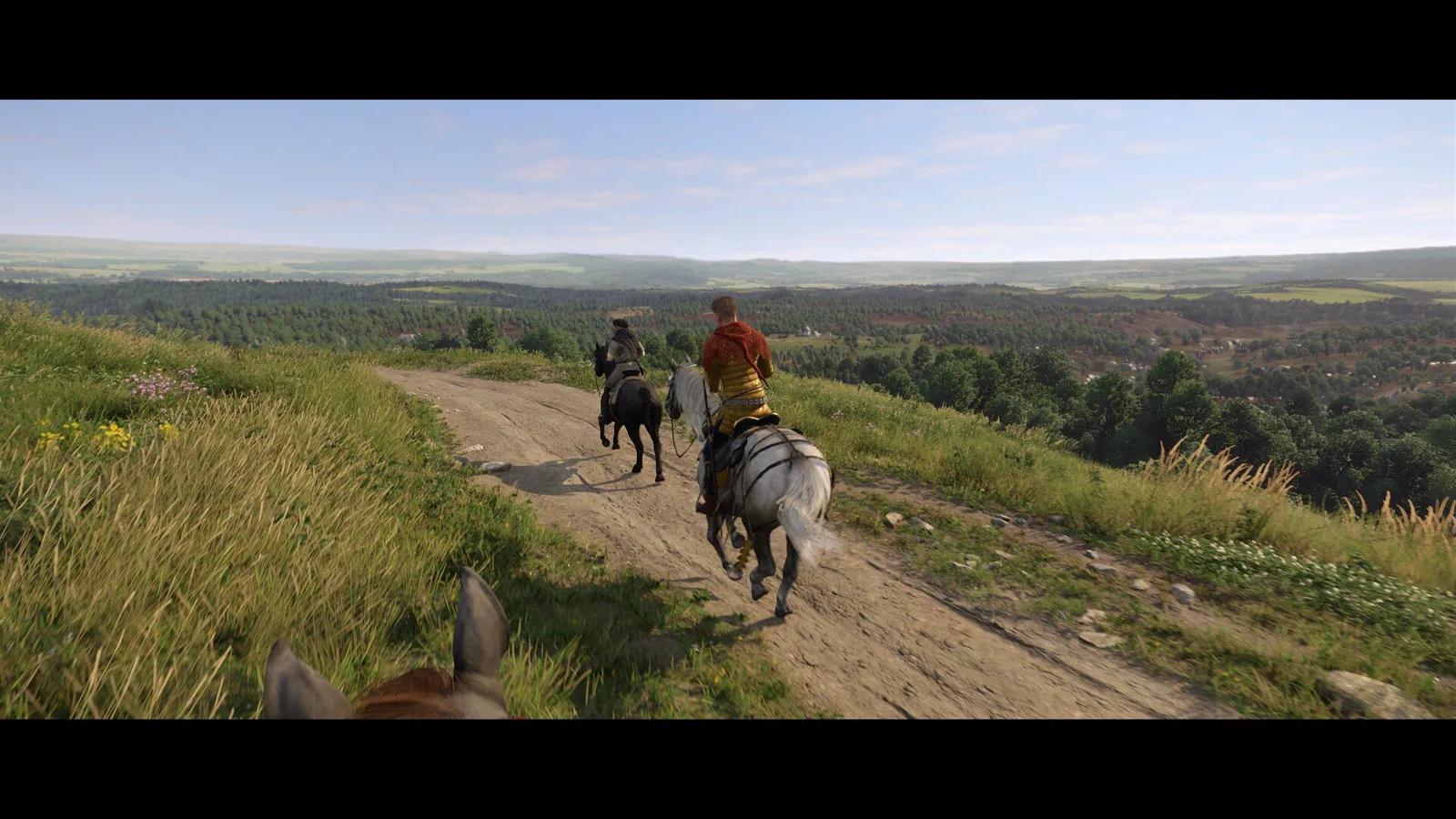
The short answer
Official floor is a 100 GB SSD and 16 GB RAM. 32 GB is the safer modern target. Start Medium or High, not Ultra. Test in Kuttenberg, not a field. If GPU is full, cut volumetrics and shadows. If GPU is idle in town, you have a CPU problem; lowering textures will not fix it. Cap a rate you can hold. Strip mods before blaming the save. This KCD2 PC page is hardware and settings, not a quest route.
KCD2 PC is the version with sliders, ultrawide, mods, and a developer console. It is also the version that will hitch on an HDD, stall in Kuttenberg on a weak CPU, and break a quest if you diagnose with five outdated mods loaded. Install on an SSD. Tune from a measured Kuttenberg frame time, not a countryside screenshot. A KCD2 PC preset copied from a 7800X3D + 4070 YouTube clip will lie on a 2600 + 1060.
Official KCD2 PC Specs
Warhorse published several resolution/preset rows. The two that matter for shopping this KCD2 PC build:
Reference table
| Tier | CPU | RAM | GPU | Storage |
|---|---|---|---|---|
| Minimum (1080p, Low, ~30) | i5-8400 / Ryzen 5 2600 | 16 GB | GTX 1060 6 GB / RX 580 | 100 GB SSD |
| High 1440p ~60 (common “recommended”) | i7-13700K / Ryzen 7 7800X3D | 32 GB | RTX 4070 / RX 7800 XT | 100 GB SSD |
Deep Silver: the CPU feeds the GPU. A fast card behind a slow CPU still waits. RAM shortfalls send the game to disk. HDD loading is not “a bit slower”; it is stutter when the world streams. NVMe helps; any SSD beats a platter. This KCD2 PC table is not a promise that Kuttenberg holds 60 at Ultra. Windows Central also lists a 24 GB RAM medium row; treat 16 GB as the official floor, not a Kuttenberg comfort target. This KCD2 PC shopping list still needs a town test after you buy.
Why Kuttenberg Is the Real Stress Test
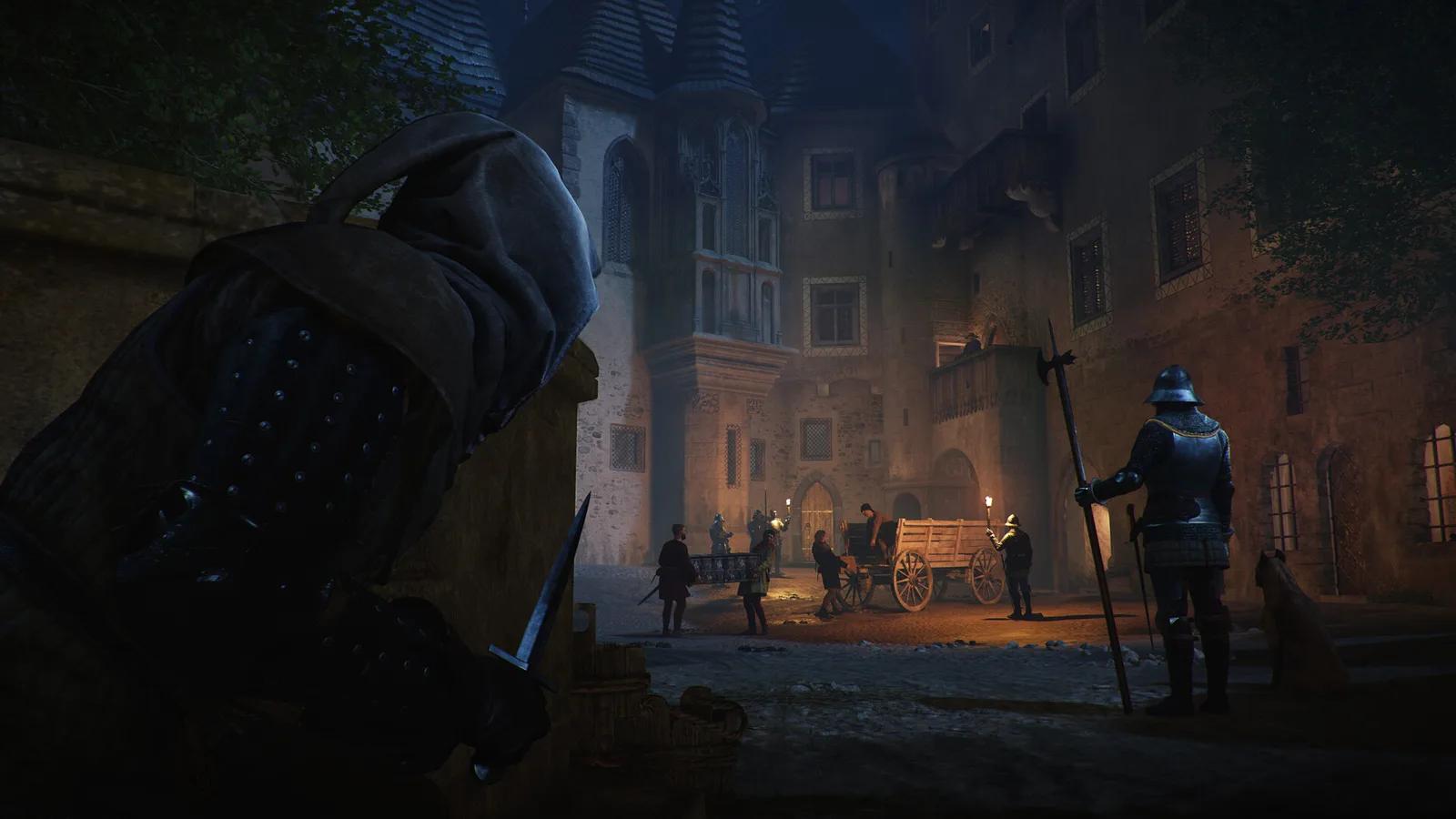
Wilderness is mostly GPU. Kuttenberg runs many NPC schedules, pathing, and collision tasks on the CPU, so measured KCD2 PC performance can fall well below a countryside result on the same preset. Lowering shadows helps a full GPU in the woods. It barely moves a CPU-bound market square. That gap is the KCD2 PC paradox: your 4070 looks “fine” in Trosky and then sits idle in Hoprink.
A useful KCD2 PC overlay: GPU %, VRAM, RAM, frame time. Low GPU with a busy CPU thread means do not drop resolution first. Full GPU and a flat CPU mean resolution, volumetrics, or upscaling.
Use that KCD2 PC overlay in the same street before and after every change.
If GPU utilization drops in crowds, a CPU or platform upgrade may help this KCD2 PC town more than another GPU tier. Treat that as a diagnosis from your overlay, not a brand rule. Steam Deck and other handhelds still face the same CPU/GPU split at a lower cap.
Baseline Settings for KCD2 PC
Repeatable KCD2 PC start:
Follow the steps
- Native resolution. Exclusive or borderless, whichever this display handles.
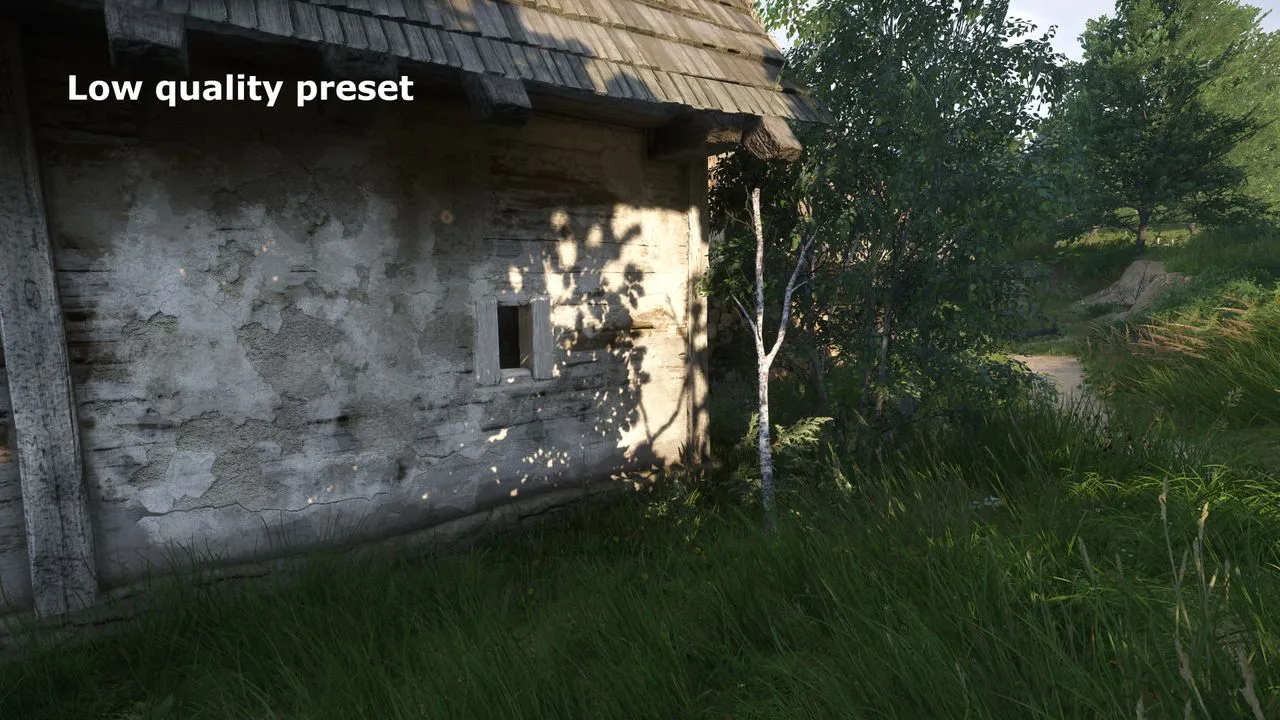
- Medium or High. Ultra last.
- Frame generation off until the base is stable.
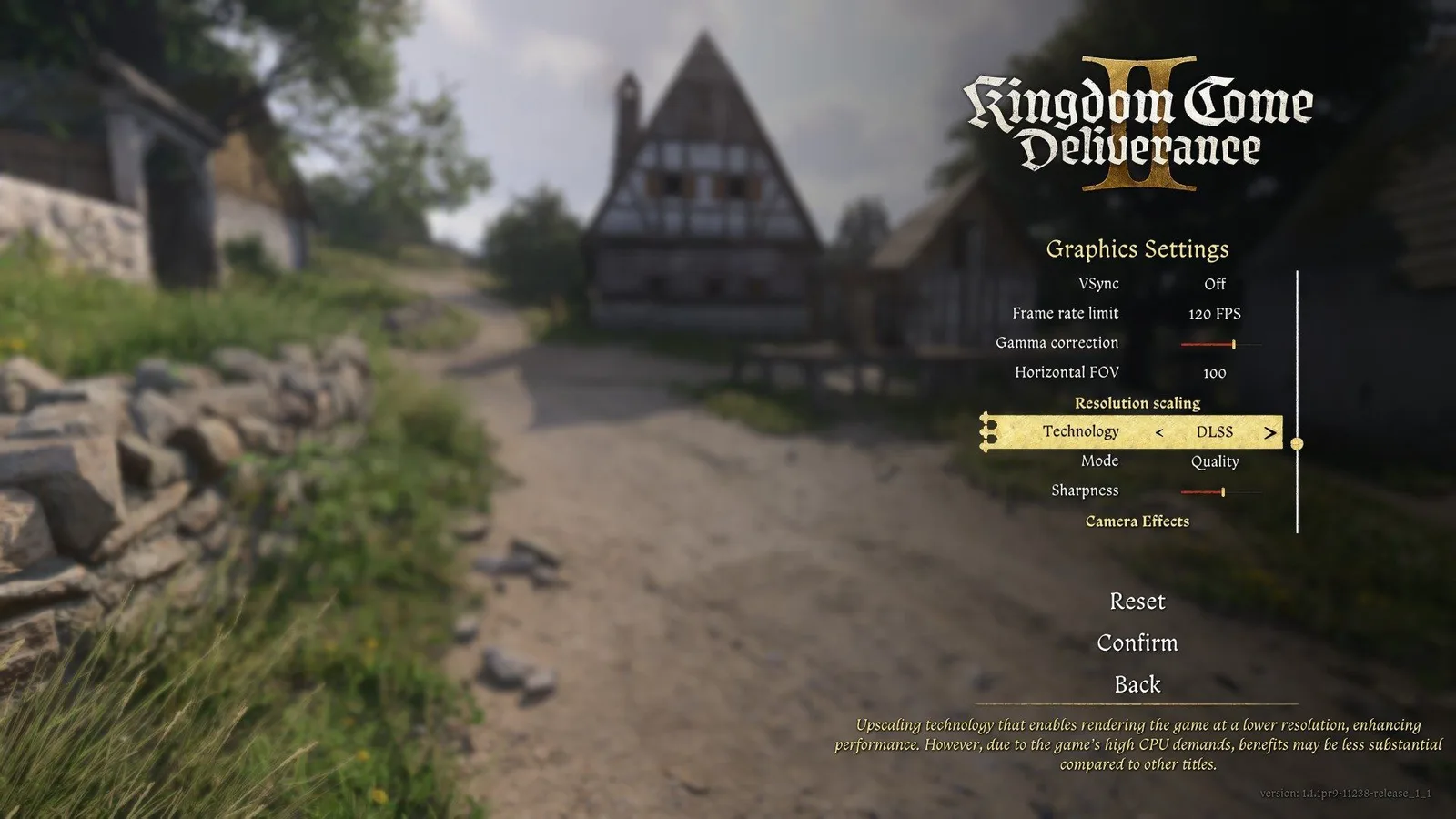
- Upscaling Off or Quality.
- Cap 60 / 72 / 90 / 120 — a number Kuttenberg can hold.
- Test: Kuttenberg street, a gate ride, one trained fight.
- Change one group per KCD2 PC test.
Atmosphere in this KCD2 PC build comes from lighting, materials, and density. Max sliders are not the look. Discord overlay, GeForce Experience, and Windows Game Bar belong off for the first Kuttenberg walk. They are a common KCD2 PC hitch that looks like a GPU fault.
Source: Gamepressure
What to Lower First
Reference table
| Symptom | First lever |
|---|---|
| GPU ~100% | volumetrics, shadows, effects, resolution scale |
| VRAM pressure / pop-in | textures, resolution, background apps |
| Town drops, GPU idle | view distance, objects, crowds — CPU side |
| Soft image | Quality upscaling, not Performance |
| Uneven camera | cap, VRR, overlays off |
| Late input | frame gen off; then check timing, not only Hz |
On KCD2 PC, do not cut textures first when VRAM is fine. Shadows and volumetrics usually cost more. Over VRAM hitching can look like “the game is broken” while the average FPS still looks polite. That is a KCD2 PC trap. ReBAR / SAM is a community experiment, not an official KCD2 PC requirement; try it on a copied profile after the checklist above, not instead of an SSD.
For KCD2 PC tuning, the symptom decides the slider; a copied preset does not.
Source: PC Gamer
Upscaling and Frame Generation
Quality DLSS / FSR at 1440p or 4K is the usual KCD2 PC win when the GPU is the limit. At 1080p, aggressive upscaling has fewer pixels and smears hair, fences, and foliage.
Frame generation can smooth the counter. It does not fix a CPU-bound Kuttenberg frame or input delay. Combat first: disable it, then use the master strike page to tell timing apart from display lag. A good KCD2 PC target is a stable Kuttenberg rate you can fight at, not a field peak. If the sword still feels late, compare the same KCD2 PC fight at a stable native frame rate before changing the display.
Stutter and Crashes on KCD2 PC
Stutter order:
Follow the steps
- Confirm this KCD2 PC install is on an SSD.
- GPU driver, reboot.
- Overlays, ReShade, injectors, mods off.
- Stock clocks.
- Close browsers. Realistic cap.
- Let shader/cache settle. Watch thermals. That walk is still a KCD2 PC test, not a stress benchmark.
A first-session hitch after a patch can come from cache or shader work rather than a dying GPU. Repeat the same KCD2 PC Kuttenberg walk once, then verify files if the hitch survives. This KCD2 PC order isolates one cause before a reinstall erases the evidence.
Crashes: verify files; strip mods including leftovers outside the mod folder; Windows + driver; no wild undervolt; free disk for patches; reload before a repeating dialogue, not after. Same-line crash is often save/mod/content. Random crashes everywhere point at RAM, heat, or drivers. A KCD2 PC crash that follows one quest line is not a reason to DDU on day one.
Mods and the Developer Console
Back up first. One mod or small group. Match game version. Disable before a big patch. Prove the quest on a clean copied save, then add mods back. Never debug a stuck objective with a stack of gameplay overhauls. That is how a KCD2 PC “broken quest” survives three reinstalls.
For installation order, patch recovery, and clean-save testing, use the KCD2 mods guide.
Keep one unmodified KCD2 PC save as the control for every mod test.
The devmode console belongs on a copy. Follow KCD2 commands, and do not force quest stages on the live run. An item with the right name can still lack a journal flag, so never test spawned loot on your only KCD2 PC save.
Saves, Laptops, and DLC
Autosaves, beds, Schnapps. Cloud sync can copy a deletion. Before mods or a GPU swap: quit fully, copy the whole save folder offline, keep slots from different stages, do not auto-keep the older cloud file. Brew from the recipes list if shops are dry. Steam Cloud and Xbox Play Anywhere are not the same pipe as a copied folder; this KCD2 PC backup is the folder.
Laptops: power brick, discrete GPU, maker performance profile. Mobile SKUs with desktop names are not desktop watts. Cap before max fans. Handheld PCs: a held 40–60 with VRR beats an unlocked bounce. A KCD2 PC handheld still needs the SSD rule, and the same KCD2 PC town test still applies. If you prefer a console-like portable with an all-content package, compare those trade-offs with the confirmed and still-unknown KCD2 Switch 2 details.
KCD2 PC store bundles change. KCD2 DLC covers ownership and start pins. Missing DLC: launcher install list, account region, story gate — then the save. This KCD2 PC check is not “buy it again.”
KCD2 PC FAQ
Does KCD2 PC require an SSD?
Yes. Official storage is 100 GB SSD. HDD is a stutter plan. That answer does not change with a KCD2 PC Ultra preset.
My field FPS is fine. Why does Kuttenberg hitch?
CPU simulation. That is the KCD2 PC town test. Lowering Ultra shadows may do nothing if the GPU is idle. Overlay first.
Frame generation on KCD2 PC?
After the base rate is stable. Off if the sword feels late. Frame gen is a KCD2 PC extra, not a CPU replacement.
Specs checked 1 September 2026 against Deep Silver’s PC prep note and Warhorse’s published min/recommended rows. Kuttenberg remains the CPU location to benchmark. Overlay numbers beat copied Ultra presets.
Your saved guides
Saved only in this browser for 30 days. No account or game-save access.
Save a guide to find it here on your next visit.