
The short answer
Workshop first. One package, then a disposable save. If Workshop KCD2 mods are subscribed but invisible, check Steam Properties → Workshop for a 0 byte download, then look for a Vortex mod_order.txt that lists only Nexus IDs. There is no in-game mods menu. Official docs: installing KCD2 mods does not disable achievements; a package can still change the conditions. Console (PS5 / Xbox) has no official Workshop.
Cover: AI-generated conceptual illustration for this guide; not an in-game screenshot or a verified depiction of named characters, items, or locations.
KCD2 mods are a PC job. Official Deep Silver / Warhorse docs recommend Steam Workshop: Subscribe, wait for the download, launch. Manual KCD2 mods go in the game-root mods/ folder with mod.manifest in the first child. Third-party managers exist and are not officially supported. A green Subscribe button is not proof the current build likes that package.
What KCD2 Mods Can and Cannot Do
KCD2 mods do not appear as a toggle on the title screen. Steam community reports are consistent: you prove a package by the feature it promised, not by a checkbox. Some armour KCD2 mods also need item codes in the console; that is a different tool than the KCD2 commands list, so read the mod page before you type.
KCD2 mods risk rises with what the package edits:
Reference table
| Layer | Typical KCD2 mods | Save / patch risk |
|---|---|---|
| UI, sort, icons | Low | Usually safe to peel off |
| Visuals, reshade | Low–medium | Conflicts if two packs replace the same asset |
| Weight, save-anywhere | Medium | Changes intended friction |
| Combat, economy, AI | High | Same tables, same crash |
| Quest / world scripts | Highest | Old saves can keep expecting removed data |
Build KCD2 mods from the top of that table downward. The last package you added is the first one you remove.
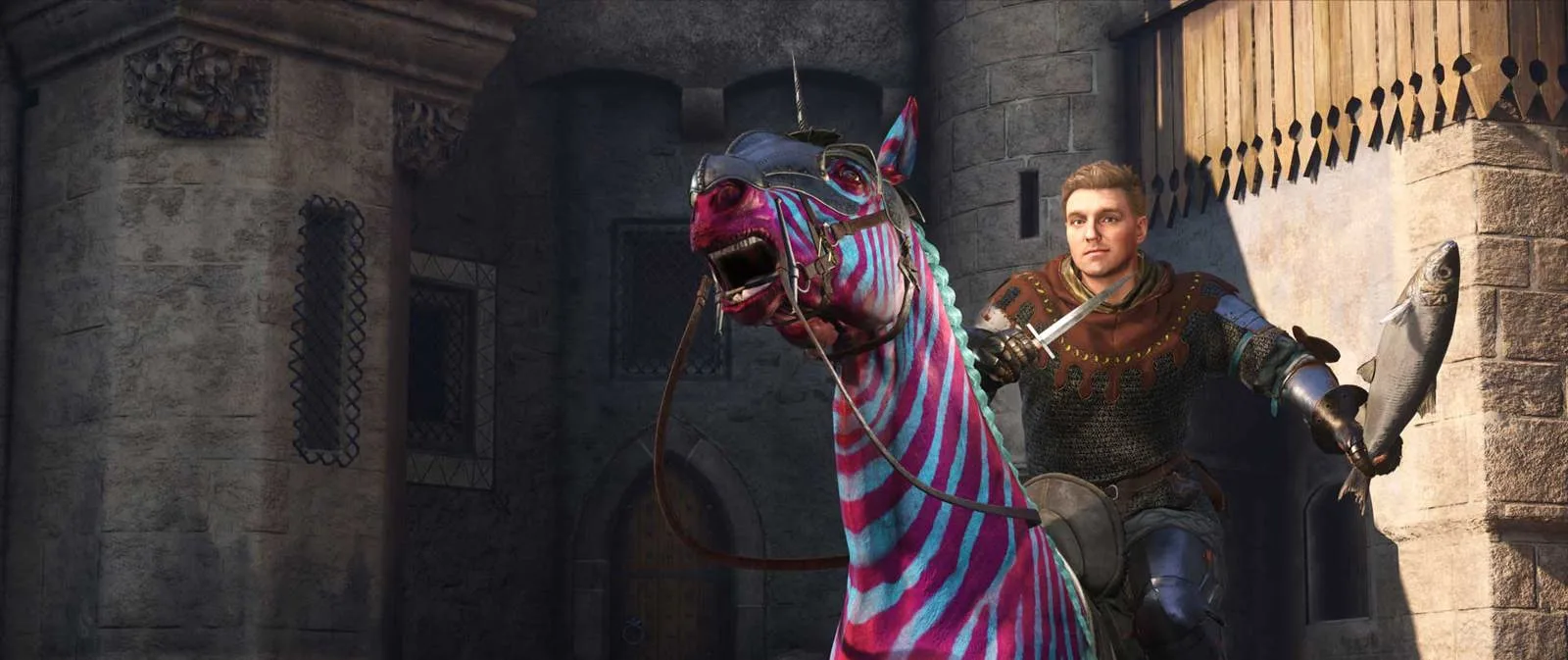
Source: Deep Silver
Epic and GOG users install KCD2 mods through the manual path. Do not hunt a Workshop tab that is not there. Those stores still run KCD2 mods from mods/ if the manifest is valid.
Install KCD2 Mods from Steam Workshop
Official text: click Subscribe; the game uses those KCD2 mods on the next launch. Before you click, read supported version, required items, last update, and the newest comments. Workshop hosting is not a compatibility stamp.
Follow the steps
- Copy several manual saves plus one save that has never loaded gameplay-changing KCD2 mods.
- Subscribe to one package. Wait until Steam finishes; a 0-byte Workshop entry is not installed KCD2 mods.
- Install only dependencies the author names.
- Launch, load a throwaway save, test the advertised feature, make a new test save, quit cleanly.
- Write down package, version, and result.
If the Workshop list shows 0 b, a Steam guide (Pilda) and forum threads: unsubscribe, launch the vanilla game, resubscribe, quit, check size again. That is a client download bug, not a broken mod.manifest.
KCD2 mods from Workshop live under steamapps/workshop/content/1771300/. You do not unpack those by hand unless an author says so.
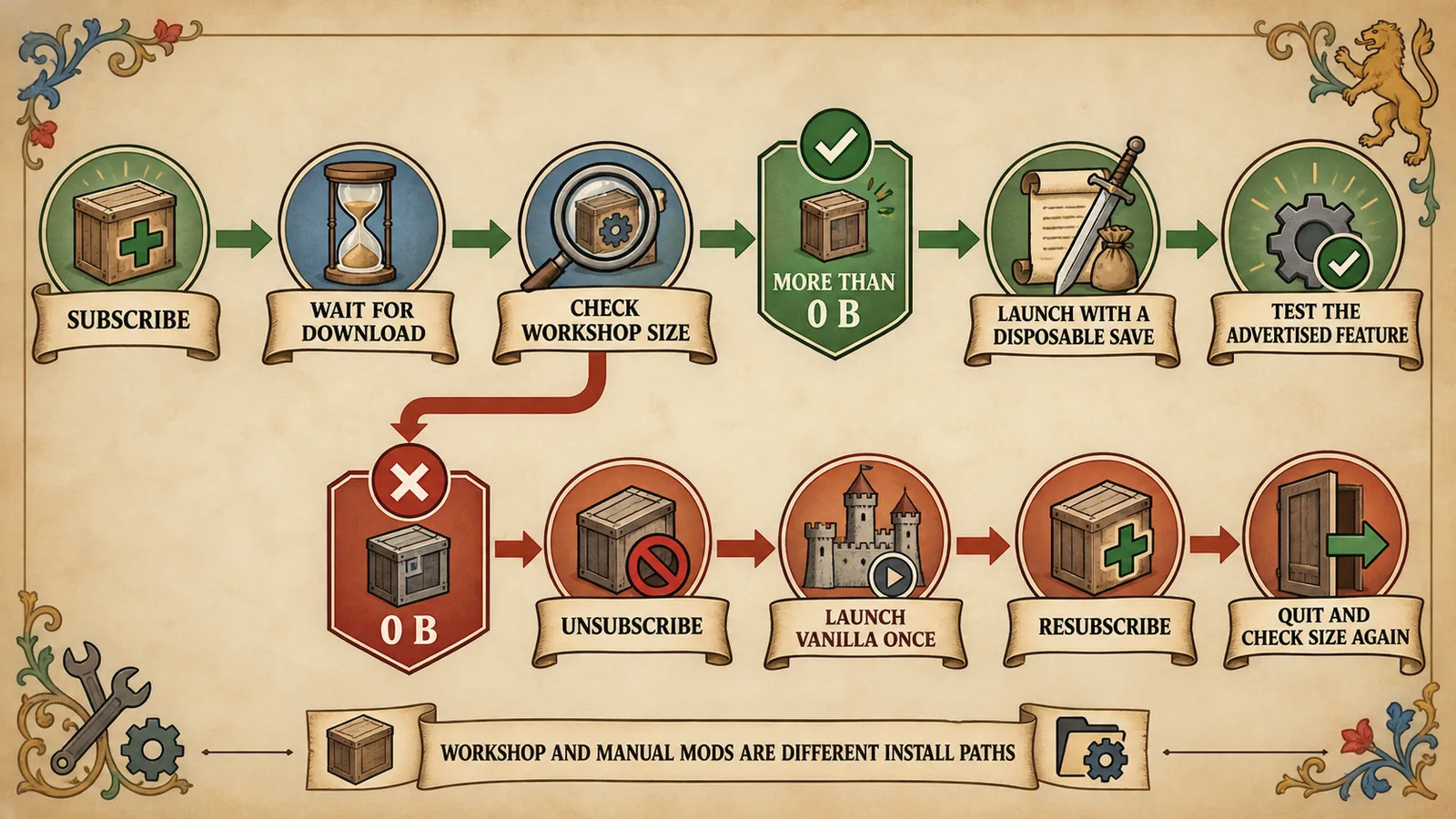
Source: Deep Silver · Pilda — Steam Community
KCD2.org generated infographic.
Manual KCD2 Mods and mod.manifest
Official: unpack into mods/ in the game root, and that folder must contain mod.manifest. Some pages nest an extra KCD2/ directory. Use Browse local files and put KCD2 mods next to the real game data, not inside a download wrapper.
KingdomComeDeliverance2/
└── mods/
└── example_mod/
├── mod.manifest
└── data/KCD2 mods in the published game load packed .pak content. Loose files beyond mod.manifest and mod.cfg are ignored. Author docs win if they document a special case.
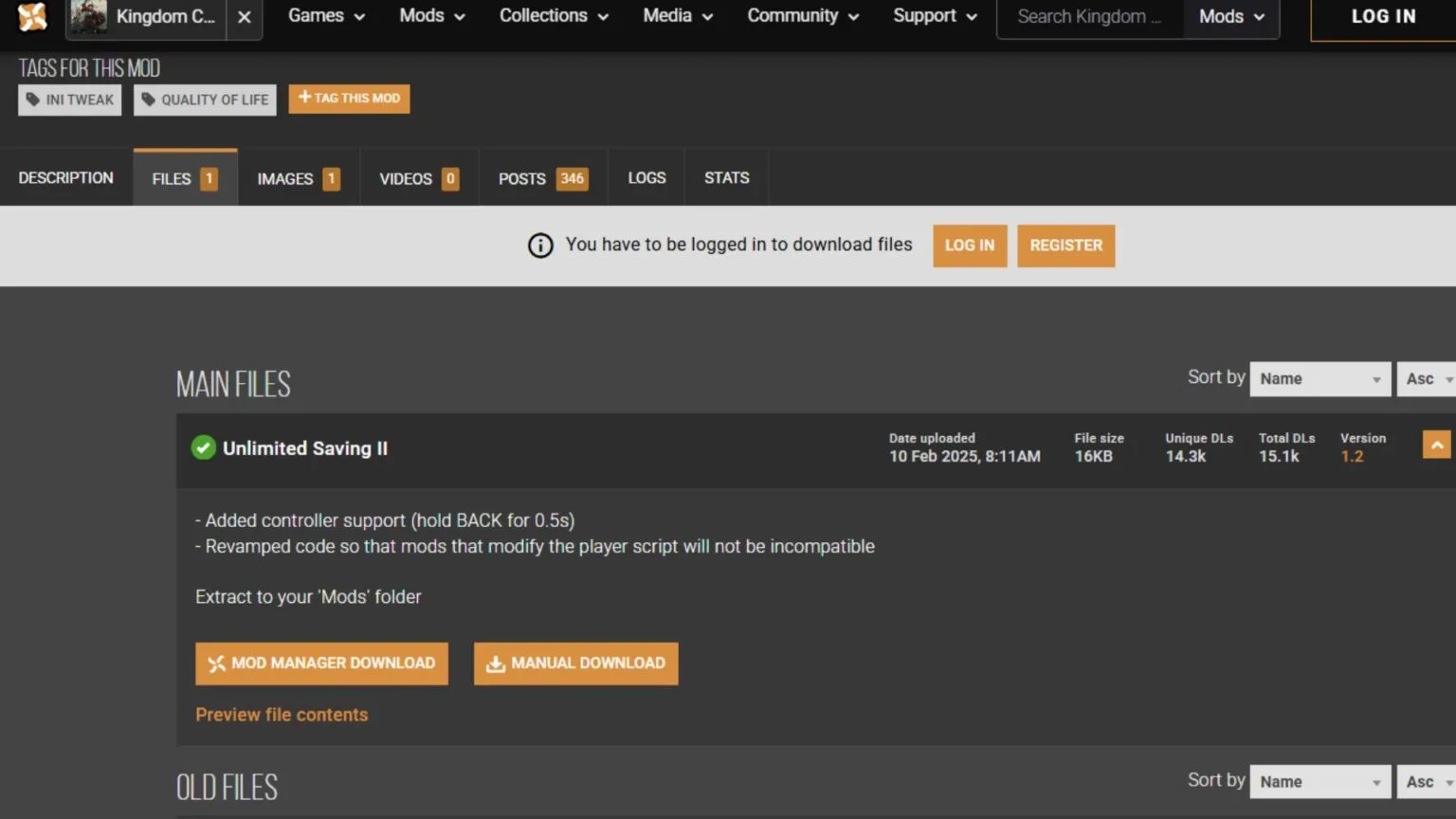
Source: Deltia’s Gaming
The KCD2 code page is item and cheat codes, not folder layout. After a copy, launch once and search kcd.log for [Mod]. Missing line: wrong folder. Rejected line: version, manifest, or order.
Do not keep a Workshop copy and a Nexus copy of the same KCD2 mods package. The loader sees two IDs or one ambiguous folder, and kcd.log becomes guesswork.
The Vortex File That Hides KCD2 Mods
Official load order: Workshop first (Steam API), then manual mods/ alphabetically. If you create mod_order.txt in mods/, any ID not listed is not loaded, including Workshop KCD2 mods.
People mixing KCD2 mods sources often hit that last rule as the usual “I subscribed and nothing happened” failure. Vortex and some Nexus flows write mod_order.txt with only the folders they manage. Workshop IDs are absent, so official KCD2 mods never start.
- If you do not need a custom order: delete
mod_order.txtand relaunch. - If you do need an order: add every Workshop
mod.manifestID as well as every manual folder. Official: the ID may differ from the folder name.
Mixing Vortex and Workshop without auditing that file is the conflict community threads keep repeating. Third-party managers are allowed by the docs and unsupported when they break. Treat a surprise mod_order.txt as a KCD2 mods outage until you read every line.
Recover Your Load Order After a Patch
A Warhorse patch can change data that KCD2 mods override. Authors of KCD2 mods are not on the patch payroll. Steam threads: wait for an update, or play vanilla. Do not strip <supports> from a manifest just to force old KCD2 mods to load; the block may be the only thing keeping a save intact.
Follow the steps
- Copy the save folder and the current list before you touch anything.
- Disable all KCD2 mods. Keep the backup copies.
- Verify game files in the client.
- Reproduce on a clean or disposable save.
- Re-enable one current package plus its named dependencies.
- Read
kcd.log, test, new save, next package.
If vanilla works and the old save does not, removed KCD2 mods may have left expected quest or item state. Restore the author's migration build or an older backup. Story locks can also be missing DLC ownership; check the KCD2 DLC page before you burn the save.
Separate Low-Risk Tweaks from Save-Risky Overhauls
Cosmetic and UI KCD2 mods are the stack you can still diagnose at 2 a.m. Overhauls that rewrite combat or economy belong on a separate playthrough with their own saves. Read the vanilla forks in the KCD2 best perks guide before a progression pack decides them for you.
Saving KCD2 mods change how you prove a vanilla quest bug. Turn them off before you file a report. A save-anywhere pack is still KCD2 mods, even if it feels like a setting. Skill-tree packs are still KCD2 mods and should be compared with the unmodified KCD2 skills ranks first.
Some KCD2 mods ask for debug flags or console spawn. Compare the page with documented commands; do not paste a random user.cfg from a year-old video.
KCD2 mods and achievements: the official line is install does not disable them. A damage or loot pack can still make a trophy meaningless. Use the clean save when you care about the comparison.
Mistakes That Break a Modded Save
- Treating Workshop as a version guarantee.
- Leaving Vortex
mod_order.txtwhile adding Workshop KCD2 mods. - Updating ten packages, then guessing which one crashed.
- Dual-installing the same ID from Nexus and Workshop.
- Editing the executable or ripping
<supports>. - Reporting a quest bug without a vanilla reproduce.
- Expecting a PS5 or Xbox copy to grow a
mods/folder.
When KCD2 mods vanish after you “did nothing,” you usually did something: a client update, a Vortex deploy, or a 0-byte subscribe. Log first, folder second, delete last. That sequence recovers more KCD2 mods than a full reinstall.
KCD2 Mods FAQ
Do consoles have an official mod path?
Not through an official Workshop. Current public docs and store pages describe PC Steam (and a manual folder on other PC stores). Do not wait for a console mods menu that the shipped build does not have.
Why is a subscribed Workshop item missing?
For missing KCD2 mods, check download size first. Then mod_order.txt. Then kcd.log. There is no enable switch on the main menu.
Where do manual packages go?
Manual KCD2 mods go in mods/mod_id/mod.manifest under the game root. Unpack the archive. Do not drop a zip on the Data folder.
Does installing a package disable achievements?
Official documentation says installing them does not. Gameplay KCD2 mods can still change what the trophy is measuring.
Can I mix Nexus and Workshop packages?
Yes if every ID that should load is either left to the default order or listed in mod_order.txt. Vortex writing that file without Workshop IDs is the usual mix failure.
Install and load-order rules reviewed against the official Deep Silver modding note (updated 14 March 2025) on 1 September 2026. Each package still has its own version line.
Your saved guides
Saved only in this browser for 30 days. No account or game-save access.
Save a guide to find it here on your next visit.