
The short answer
A reliable KCD2 save routine keeps at least two Saviour Schnapps, makes a manual save before combat, crime, major dialogue, or a quest lock, and uses Save & Exit only when ending the current session. If you cannot see Save Game, leave combat and check that Schnapps is in Henry's inventory. If a bed says only Sleep, do not assume it will create a save.
Cover: AI-generated conceptual illustration for this guide; not an in-game screenshot or a verified depiction of named characters, items, or locations.
KCD2 save rules are deliberately stricter than the quicksave systems in many RPGs. You can make a durable manual save with Saviour Schnapps, use a bed that explicitly offers Sleep and Save, accept an automatic quest checkpoint, or create a temporary exit save with Save & Exit to menu. The practical rule is simple: use Schnapps before a risky decision, use beds during normal travel, and treat autosaves and the exit save as conveniences rather than your only recovery plan.
Every KCD2 Save Method at a Glance
Reference table
| Method | Cost | Best use | What to remember |
|---|---|---|---|
| Saviour Schnapps | One potion | Before any risk you may want to replay | Creates a normal manual KCD2 save and consumes one bottle |
| Sleep and Save | Time, and sometimes a rented room | Safe travel rhythm, healing, ending a day | Use a bed with the explicit KCD2 save prompt |
| Quest autosave | None | Background KCD2 save at selected story events | Timing is controlled by the game, not by you |
| Save & Exit to menu | None | Stopping play immediately | The next exit KCD2 save replaces the previous one |
| PC folder backup | Storage space | Protecting a campaign before troubleshooting | A file copy is not an in-game KCD2 save method |
How a Saviour Schnapps KCD2 Save Works
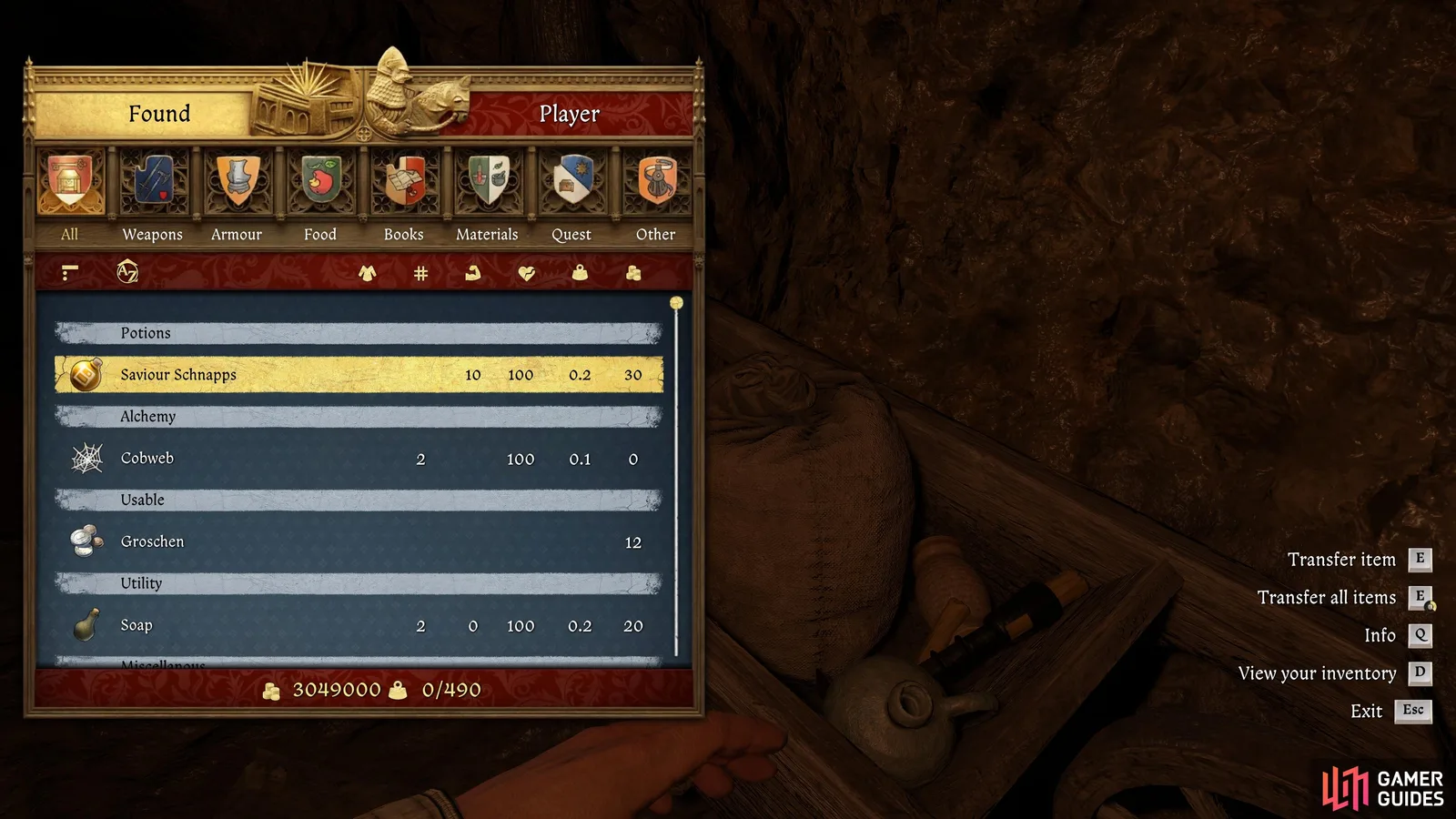
Carry Saviour Schnapps in Henry's inventory, pause outside combat, and choose Save Game. The menu consumes one bottle and creates a manual KCD2 save. You can also drink the potion from inventory, but the pause-menu action makes the purpose clearer. Weak, regular, and stronger-quality versions still perform the saving job; potion quality changes the accompanying effects, not whether the save exists.
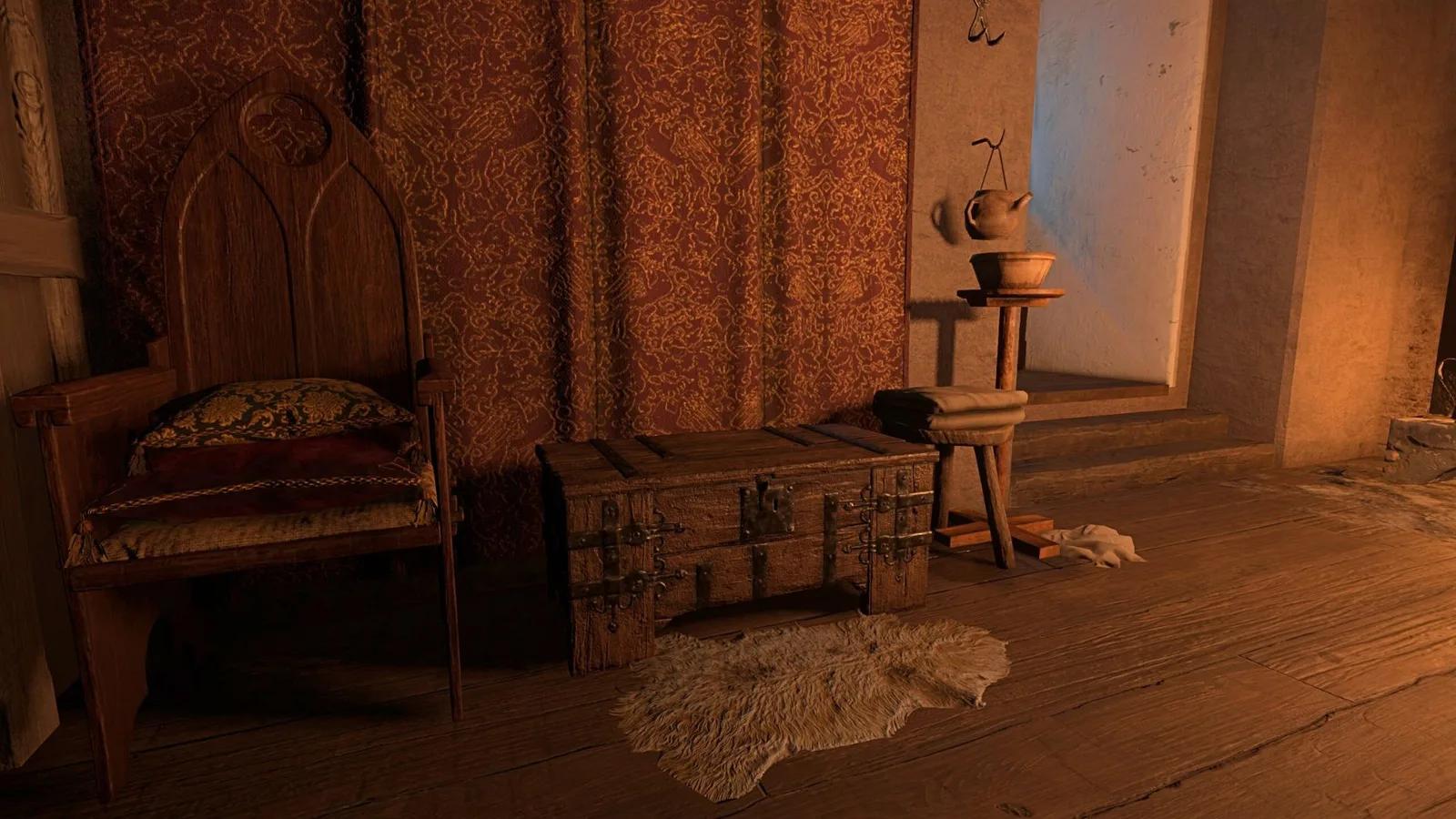
Source: Gamer Guides
The early constraint is supply, not a hidden unlock. You can find or buy bottles, and you can brew them from wine, one nettle, and two belladonna. Our KCD2 recipes guide gives the brewing order, while the KCD2 belladonna route covers repeatable plants, merchants, drying, and a practical reserve. Do not spend the last two belladonna on an optional potion if the next KCD2 save protects an hour of quest progress.
A Saviour Schnapps KCD2 save is the right choice before:
- entering a camp or difficult duel;
- stealing, trespassing, or carrying stolen goods through a checkpoint;
- a persuasion check or irreversible conversation;
- starting a DLC or a long quest sequence;
- testing equipment, perks, or a route whose outcome is uncertain.
A KCD2 save may be unavailable while Henry is actively fighting or while a scripted sequence controls the game. Move to safety, let the combat state end, and try again. A greyed-out command does not by itself mean the campaign is corrupted.
Before protecting a long quest branch, use the KCD2 achievements roadmap to decide which checkpoint must remain untouched.
KCD2 Save and Quit: Useful, but Not an Archive
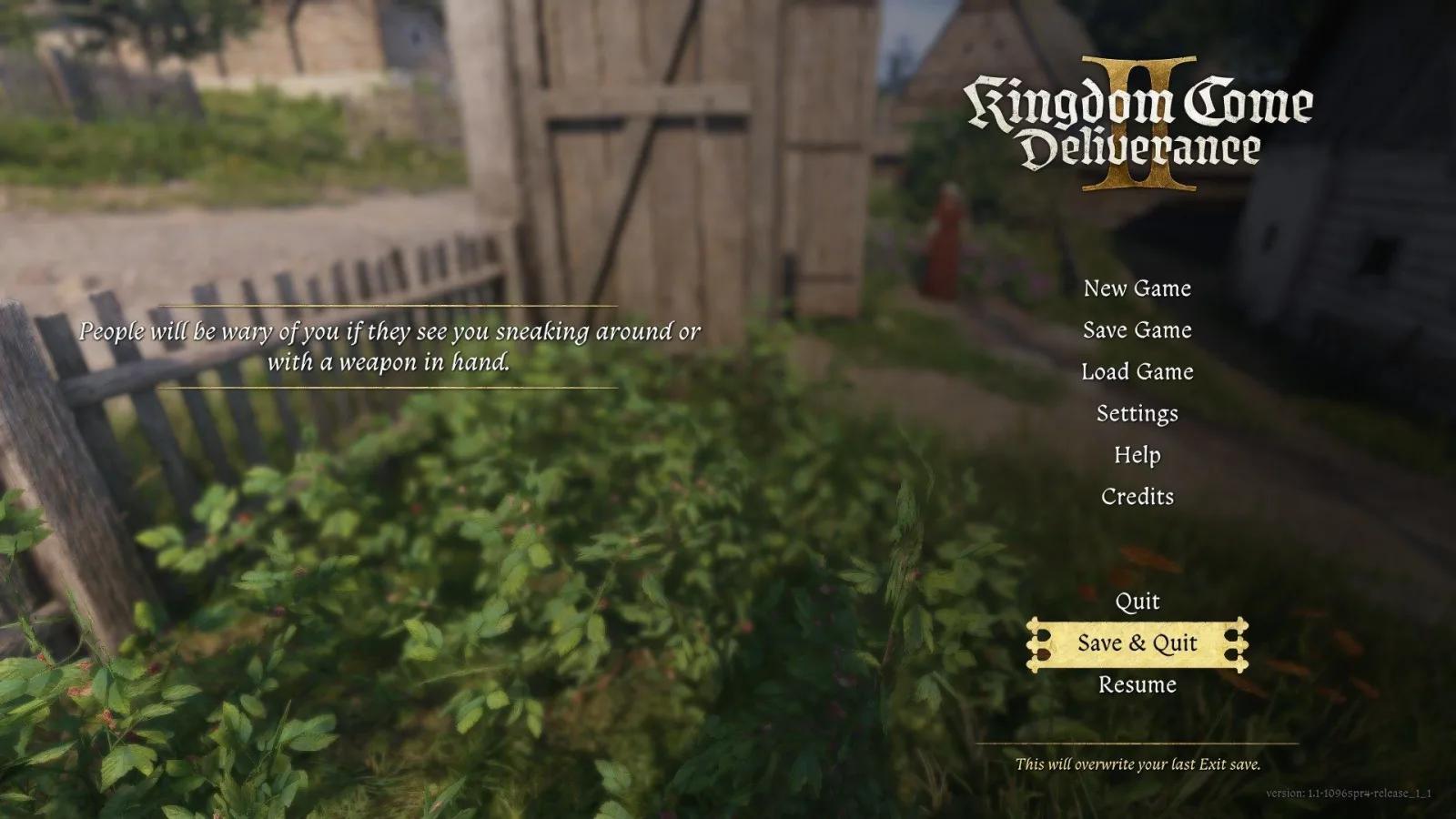
Save & Exit to menu creates an exit KCD2 save without consuming Schnapps, then returns you to the menu. It is useful when real life interrupts the session or your Schnapps supply is empty. The warning matters: another exit KCD2 save replaces the previous one. This is a resume point, not a stack of permanent checkpoints.
Loading an exit KCD2 save lets you continue from it; repeated Save & Exit actions do not create a growing history. To preserve a decision point, make a Saviour Schnapps KCD2 save or use a proper Sleep and Save bed.
Some guides describe Save & Exit differently because they covered early builds or call it a “free save.” Follow your current menu. If selection behaves incorrectly at maximum KCD2 save capacity, update the game: official Hotfix 1.3.1 fixed a bug that could overwrite the oldest manual save instead of the slot the player selected.
Sleep and Save Beds
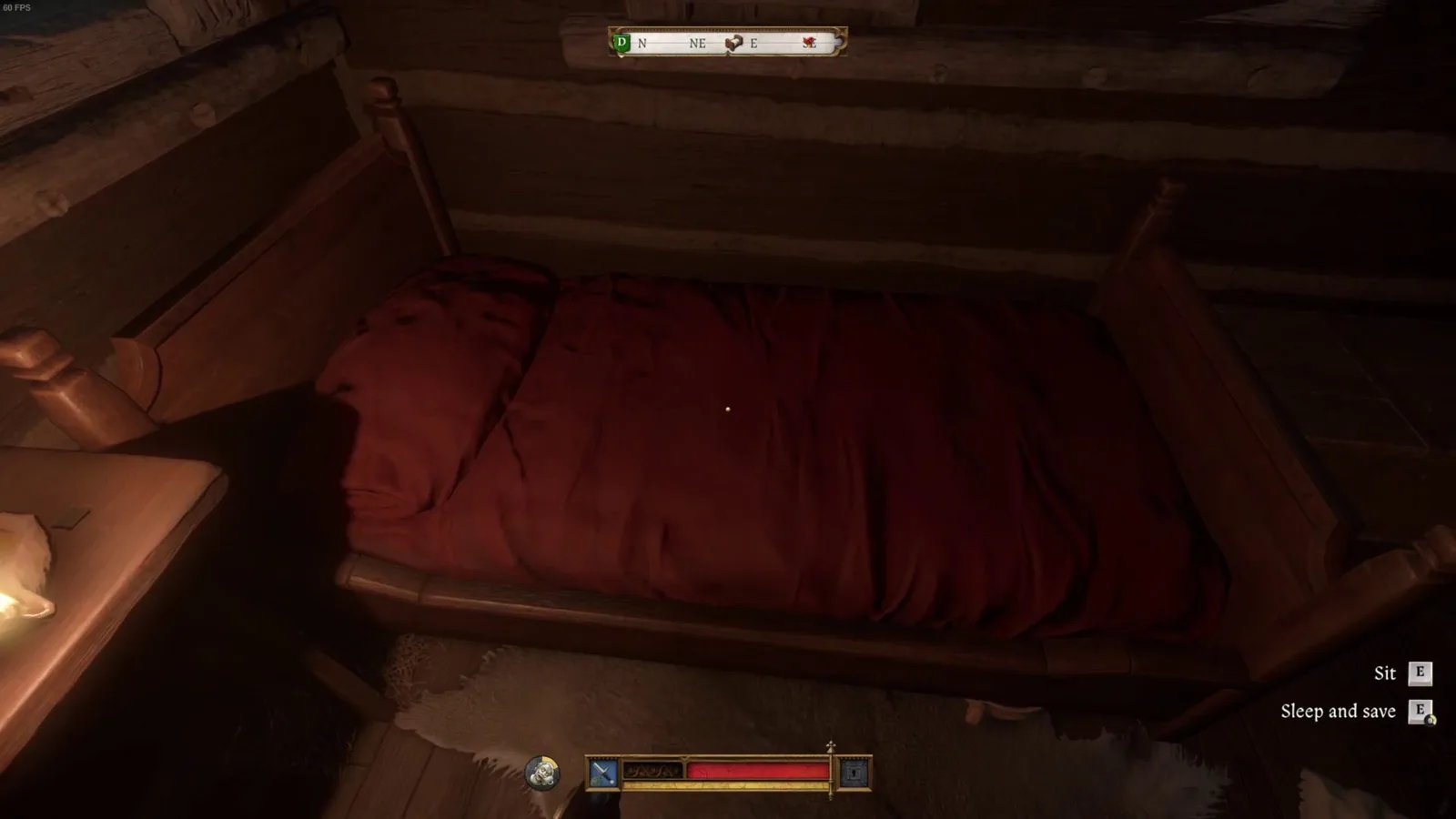
Beds are the low-cost backbone of a KCD2 save routine. Owned beds, story beds, and rented inn rooms commonly offer Sleep and Save. Read the interaction prompt. A random or forbidden bed that offers only Sleep is not a dependable KCD2 save point; the KCD2 sleep guide maps the reliable early options and explains what rest changes.
To use the same stop for recovery as well as saving, the KCD2 heal guide explains when sleep is enough and when bleeding or poisoning must be treated first.
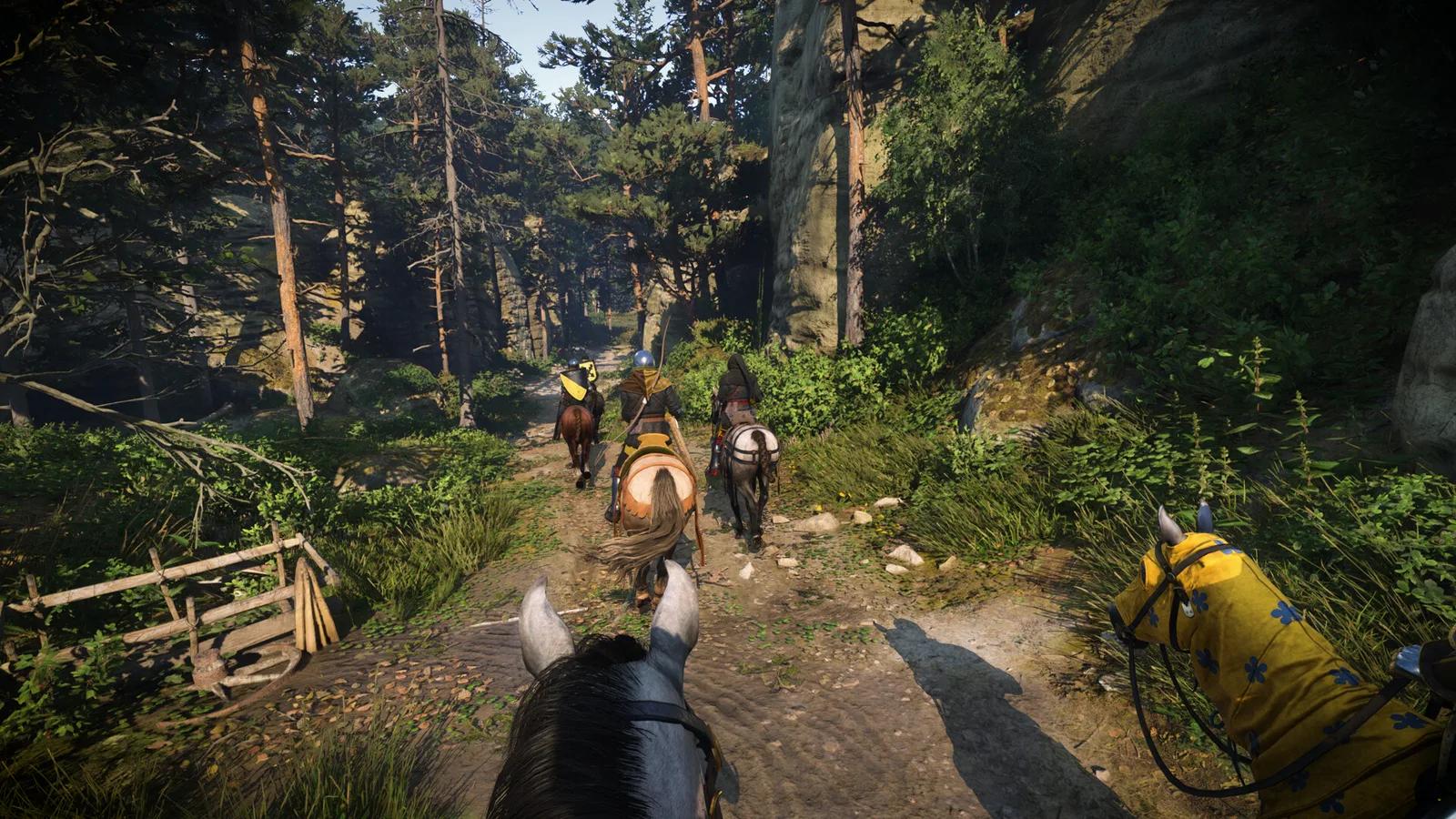
Source: Gamepressure
Renting a room creates a known KCD2 save stop where you can restore Energy, pass dangerous nighttime hours, and leave with a fresh checkpoint. Identify the inn or assigned bed when entering a new hub, before taking distant side work.
What KCD2 Autosaves Actually Protect
A KCD2 save can appear automatically at selected quest starts, transitions, and important events. It is useful protection, but there is no player-controlled autosave button or predictable timer. The icon proves one checkpoint was written; it does not promise another after an hour of free exploration.
The safest interpretation is conservative: if you did not see the save indicator and cannot identify a recent checkpoint in Load Game, assume your latest roaming, looting, or side activity is unprotected. The KCD2 walkthrough marks major quest windows where a named manual KCD2 save is more useful than trusting the story sequence.
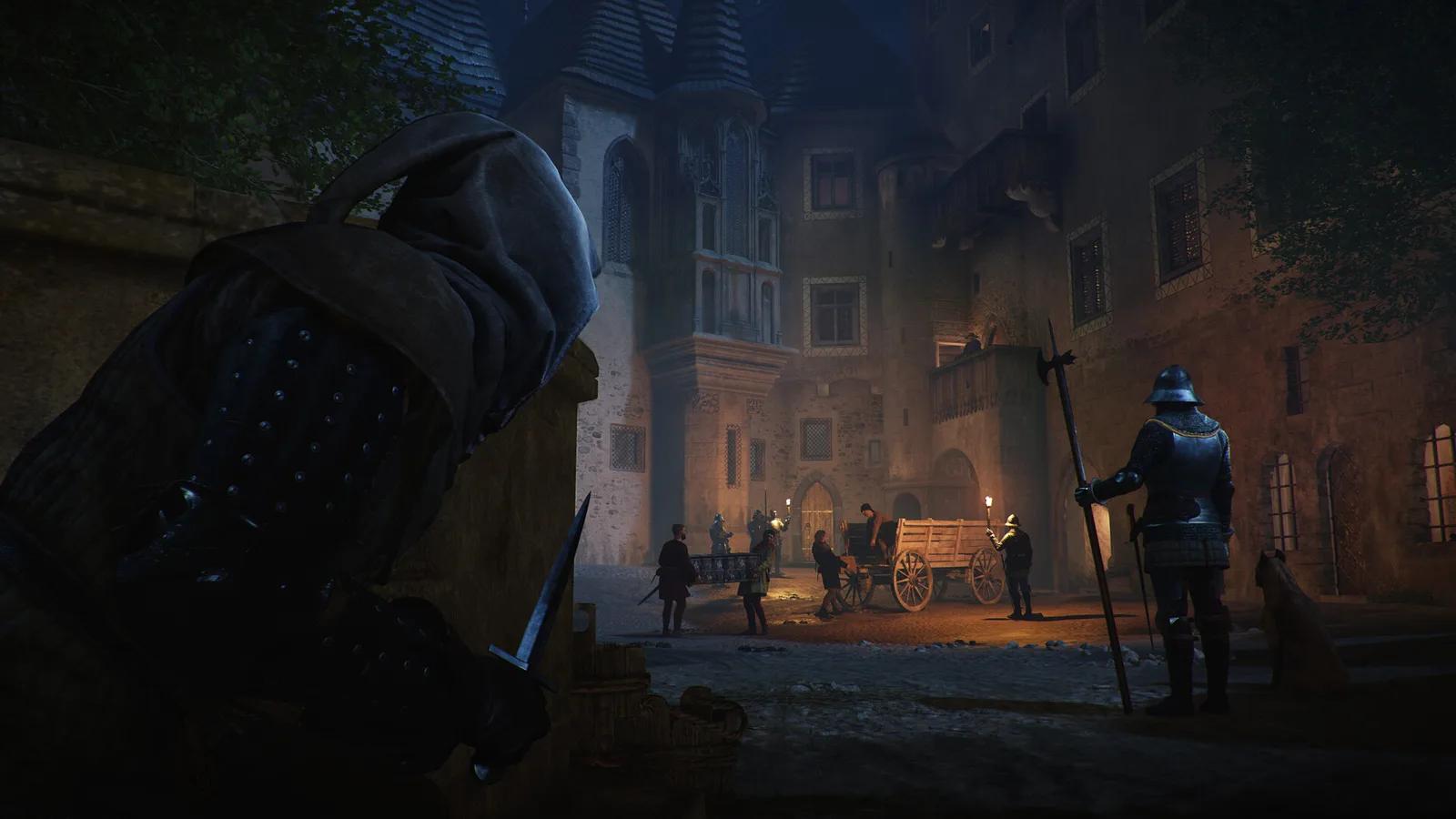
Preserve a pre-wedding KCD2 save for the Thomas rescue.
Do not confuse an autosave with a manually chosen branch. If you reload an older point and continue the same quest, later checkpoints may replace related automatic entries. Preserve an important decision with a separate Schnapps KCD2 save.
A Safe KCD2 Save Routine
The KCD2 save goal is not to checkpoint every herb. Place durable saves before the cost of failure rises.
Follow the steps
- At the start of a session: open Load Game and note the newest durable KCD2 save. Carry two or three Schnapps.
- Before leaving a hub: use a suitable bed for a KCD2 save. Repair, eat, and rest at the same stop.
- Before risk: create one Schnapps KCD2 save before combat, theft, a major dialogue, or a point-of-no-return warning.
- After a meaningful result: make another durable KCD2 save only when you would not want to replay the outcome.
- When stopping: use Save & Exit, remembering it replaces the previous exit KCD2 save.
- Before mods or PC troubleshooting: close the game and copy the KCD2 save folder.
This routine separates three jobs: beds establish a travel baseline, Schnapps protects choices, and an exit KCD2 save ends a session. It makes the system predictable without pretending it is unrestricted.
Which KCD2 Save Should You Use Right Now?
Use Sleep and Save at an owned or rented bed when no immediate choice is waiting. Spend Schnapps before danger, theft, dialogue, or a quest warning. Verify an autosave in Load Game before trusting it, use an exit KCD2 save when stopping, and keep one older experiment branch untouched. This avoids wasting every bottle or trusting one uncertain KCD2 save.
If Your KCD2 Save Is Missing or Will Not Load
Match the symptom before changing files. A disabled command, Game Save Failed, a missing entry, and a KCD2 save that crashes during loading are different failures.
Reference table
| Symptom | First safe action | Do not do yet |
|---|---|---|
| Save Game is greyed out | Leave combat or the scripted scene, reach safety, and retry | Do not delete an older KCD2 save |
| Every method says Game Save Failed | Keep the game open; note platform/version, free space, write access, and cloud status | Do not test Save & Exit; it can close without a new KCD2 save |
| “Saved” appears but no entry exists | Check Load Game, account, playline, and timestamps | Do not force cloud sync or trust Continue alone |
| One KCD2 save crashes or will not load | Copy available files, update, and test without recent mods | Do not run an unknown repair executable |
The exit warning comes from a current Game Pass 1.5.6 report in which Schnapps, sleep, checkpoints, and Save & Exit all failed. It does not prove a universal cause. It supports one cautious KCD2 save rule: after the first failure message, preserve the running session while checking storage.
For Steam on Windows, Steam's configuration points to %USERPROFILE%\Saved Games\kingdomcome2\saves\ and .whs files. Close the game, copy the whole saves tree with its playline folders, preserve filenames, and compare local and Steam Cloud timestamps. PC Game Pass uses Microsoft-managed app storage, so the Steam path is not a universal KCD2 save location.
If Windows has space but no KCD2 save method writes, check Windows Security → Protection history for a matching Controlled Folder Access block. Allow only the verified game executable; do not disable protection blindly. Check whether OneDrive redirected Saved Games, but treat that as a path question, not a confirmed cause.
On PS5 or Xbox Series, use the saved-data and cloud-sync screens. Back up before deletion, reset, or Safe Mode repair. Never erase the local KCD2 save merely to force a cloud download. Record platform, version, error, and save type before contacting PLAION Support.
Preserve files, update the game, disable recent mods, and escalate if the KCD2 save still fails. The KCD2 mods guide covers patch recovery; never keep only a modded KCD2 save.
Save behavior checked on 5 September 2026 against PLAION Hotfix 1.3.1 and Patch 1.5.6, SteamDB, Microsoft Support, GameSpot, Gamer Guides, GamesRadar, Gamepressure, PCGamingWiki, and current player reports. Menu labels and platform storage screens can differ by version.
Your saved guides
Saved only in this browser for 30 days. No account or game-save access.
Save a guide to find it here on your next visit.