
The short answer
KCD2 fast travel works only to a destination Henry has already discovered: open the regional map, select its yellow-wheel-on-blue-shield marker, and confirm. Time passes and Henry can be interrupted by an encounter. If the KCD2 fast travel command is unavailable, step outside a building, reduce an overloaded inventory, and verify that you are in Normal mode. Ordinary KCD2 fast travel cannot cross between Trosky and Kuttenberg; use the caravan after the second region opens.
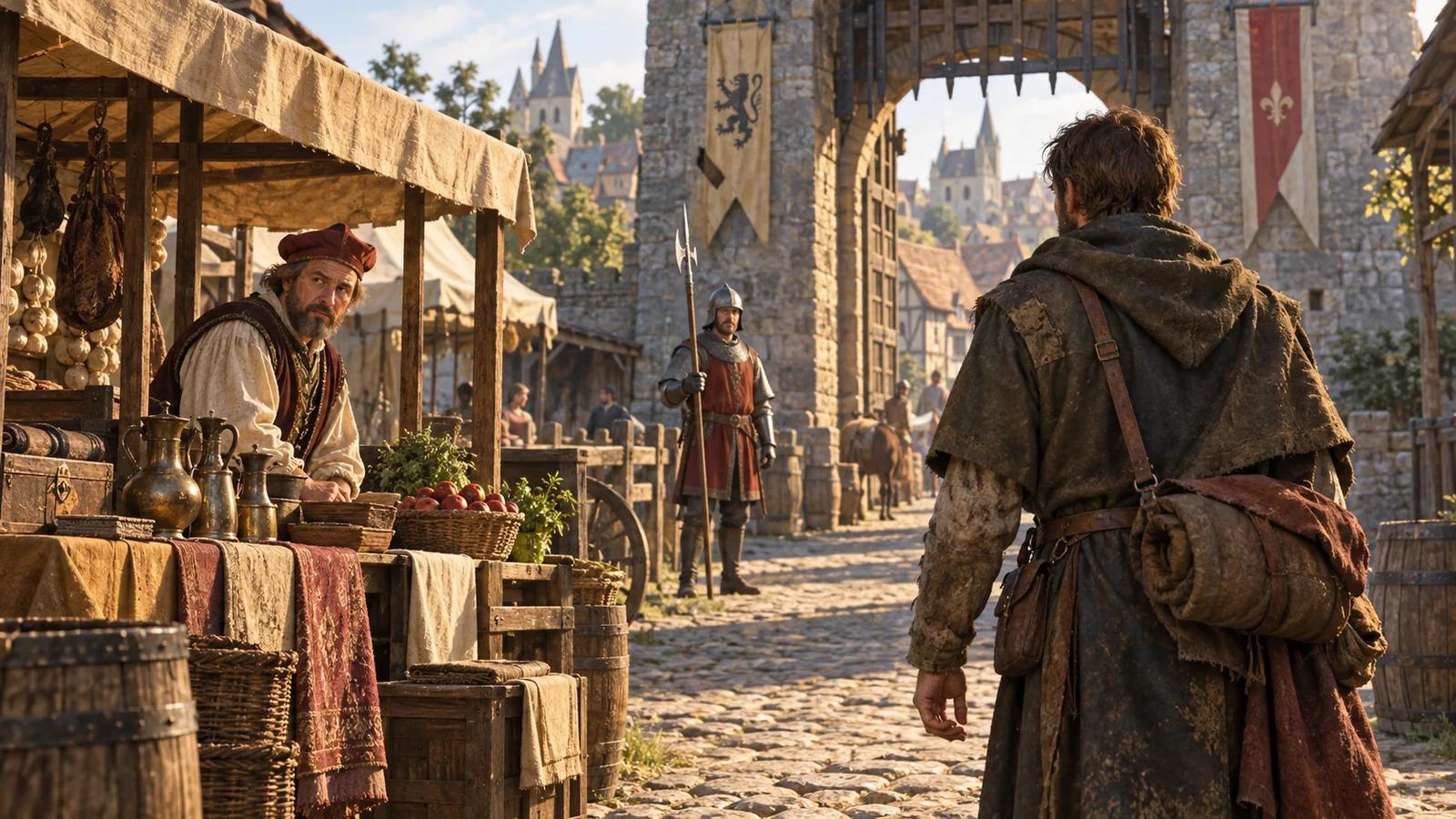
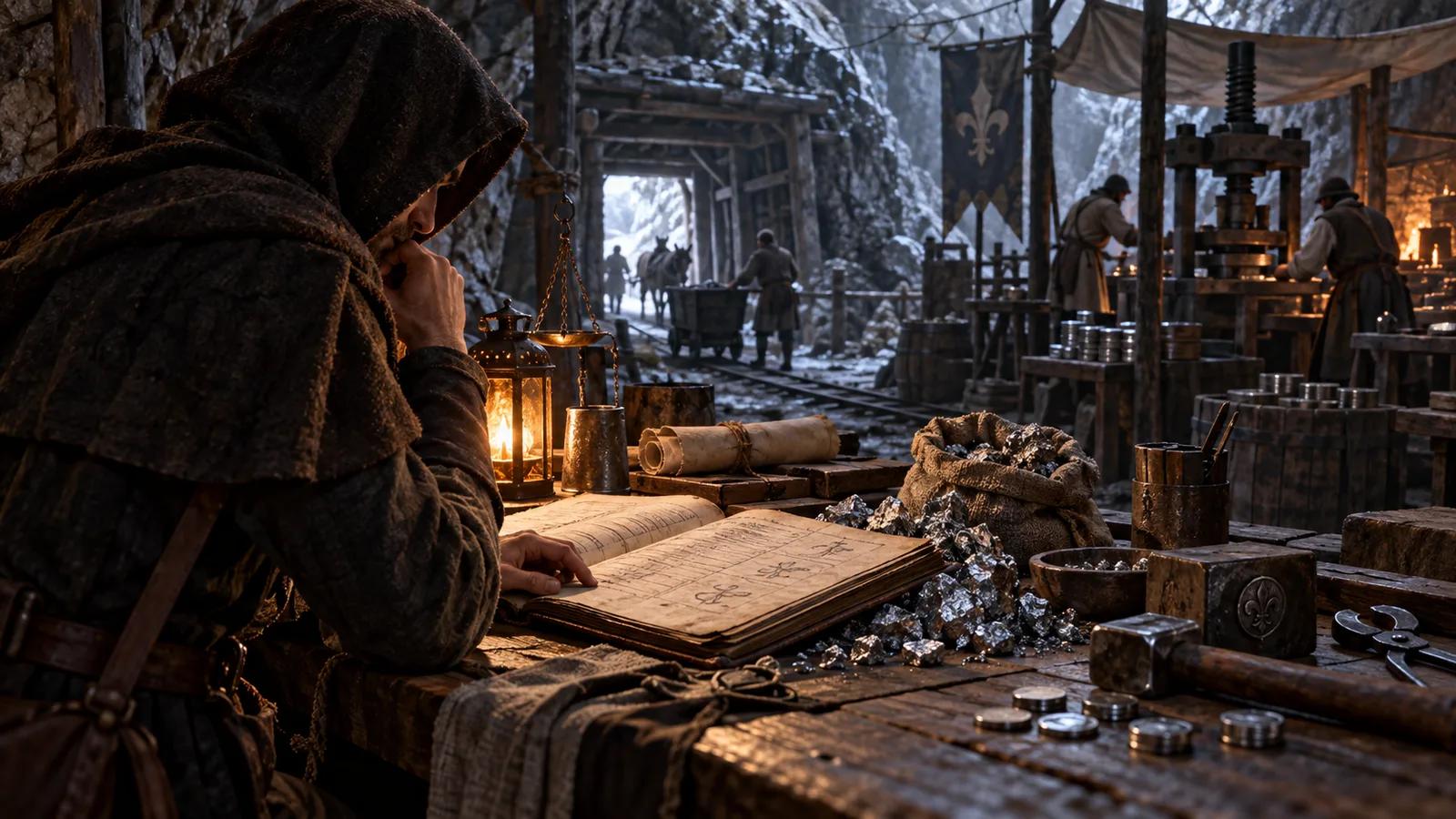
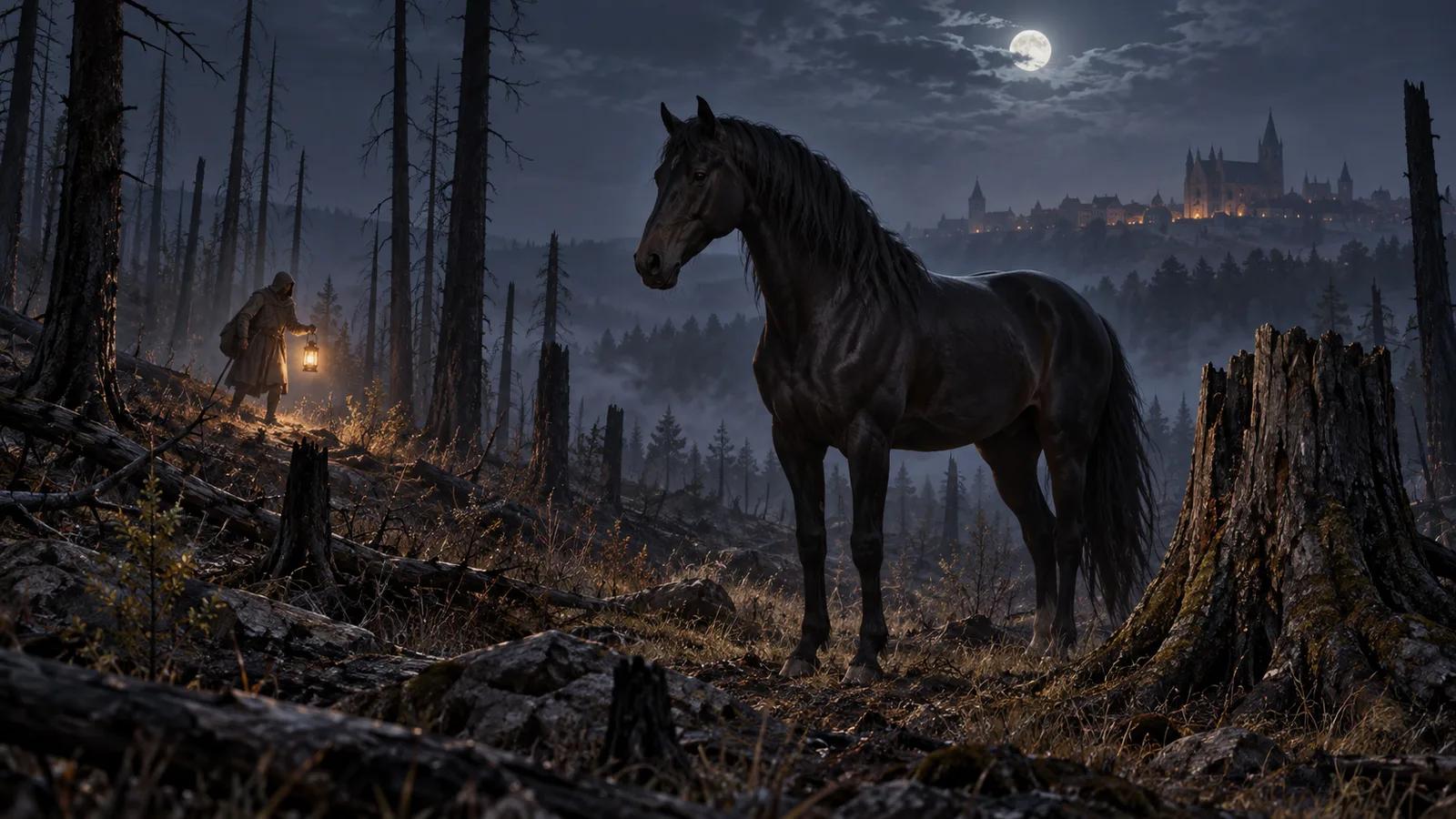
Cover: AI-generated conceptual illustration of medieval travel; not a KCD2 gameplay screenshot or exact map.
How to Use KCD2 Fast Travel
Open the map only after Henry has physically reached a settlement or other KCD2 fast travel destination. A discovered KCD2 fast travel destination appears as a selectable yellow wheel on a blue shield. KCD2 fast travel is therefore a return system, not a way to reveal an unexplored map. Selecting a grey or unknown label will not create a KCD2 fast travel route.
Follow the steps
- Leave an interior and open the map for the region Henry currently occupies.
- Select a destination that has already been discovered.
- Confirm the prompt and watch Henry's marker move along the route.
- Respond if an encounter interrupts KCD2 fast travel.
- On arrival, check the clock and Henry's condition before starting a timed or dangerous task.
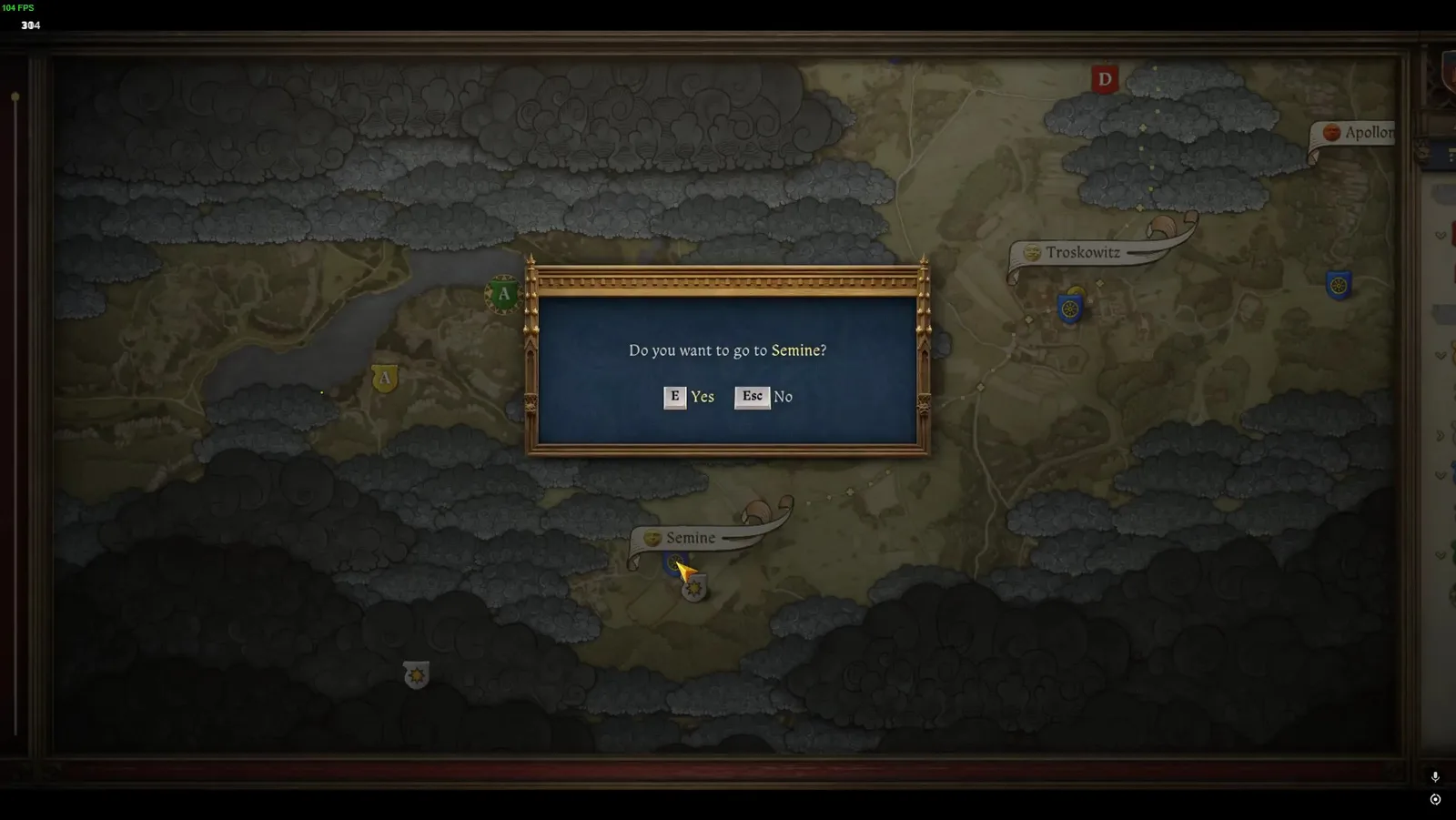
Source: Deltia's Gaming fast travel guide
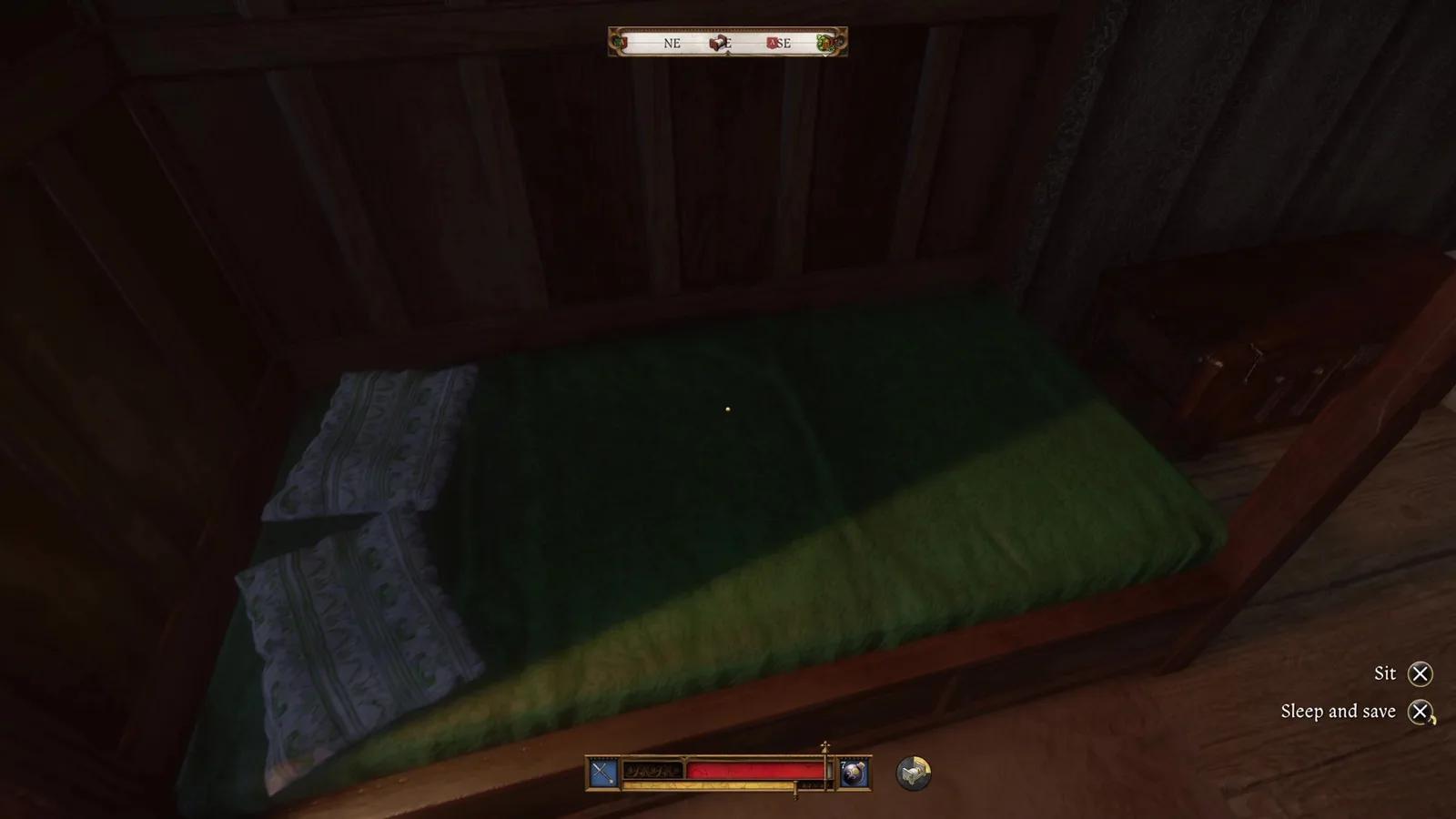
Time advances during KCD2 fast travel. Nutrition and energy can also change while the route is simulated, so a long jump is not a pause button. Before KCD2 fast travel, check the current clock, leave a safe time margin, eat or sleep when necessary, and avoid a long route immediately before an appointment. The KCD2 sleep guide explains legal beds and recovery when preparation matters more than speed.
The KCD2 fast travel map icon must be discovered in person. Walk or ride into the settlement until the KCD2 fast travel destination registers, then reopen the map. For Trosky routing, verify KCD2 fast travel roads on the current regional map instead of trusting a fixed destination list that may drift with updates.
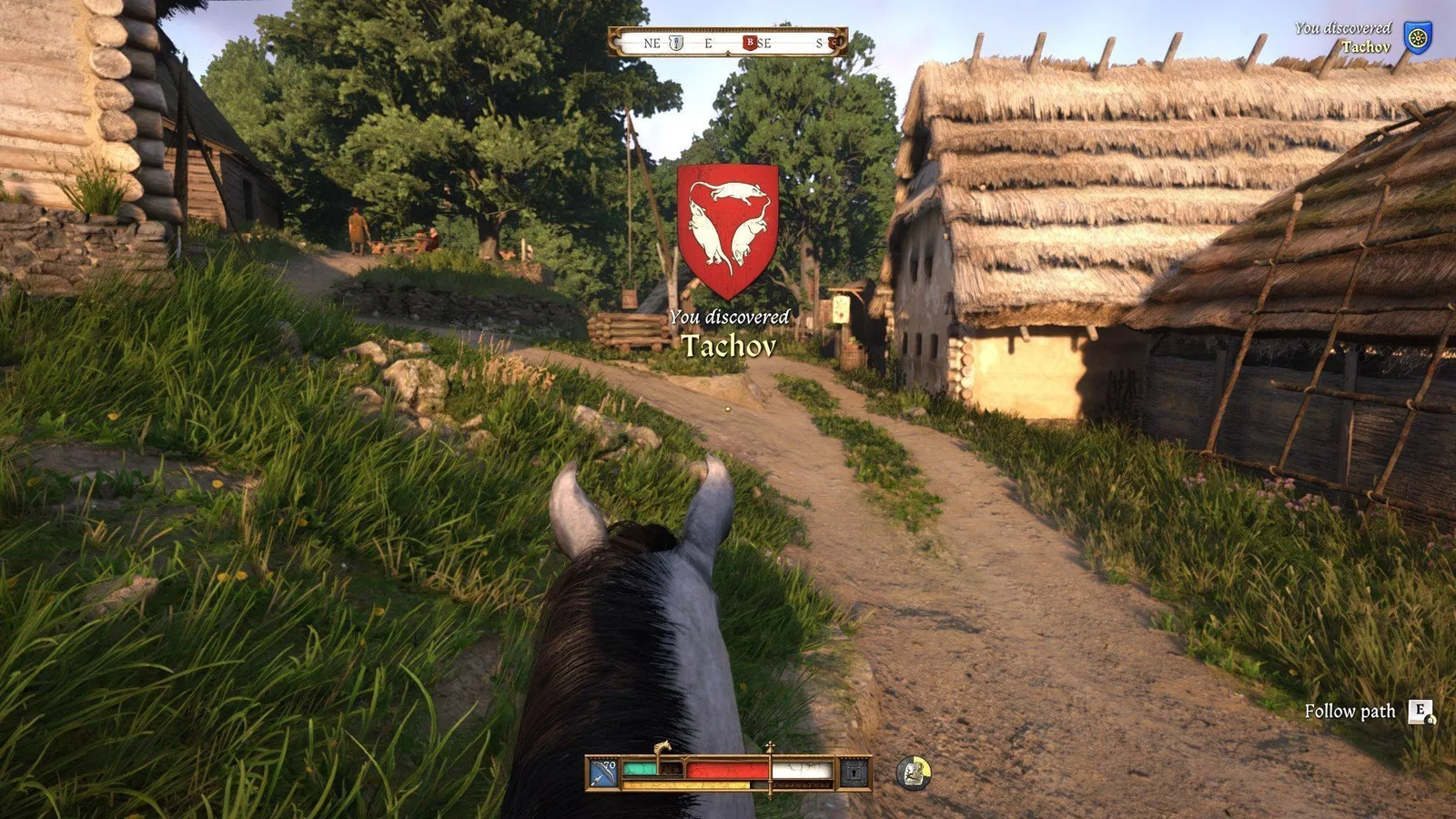
Source: Gamepressure fast travel point guide
Why KCD2 Fast Travel Is Unavailable
Start with visible, reproducible conditions rather than assuming the save is broken. Guides independently show that KCD2 fast travel is blocked from inside buildings and while Henry is over his carrying capacity. Hardcore Mode deliberately removes ordinary KCD2 fast travel. These three KCD2 fast travel checks explain the most common failures without inventing hidden thresholds.
Find the cause
| Symptom | Check | Safe next action |
|---|---|---|
| Destination cannot be selected | The icon is still undiscovered | Reach the place on foot or horseback and wait for discovery to register |
| KCD2 fast travel command is unavailable indoors | Henry is inside a building or enclosed interior | Walk outside, reopen the regional map, and try the same discovered marker |
| Map reports that Henry is overloaded | Inventory weight exceeds the displayed capacity | Sell, store, drop, or move items until Henry is no longer overloaded |
| No ordinary KCD2 fast travel option exists | The save uses Hardcore Mode | Navigate by roads, landmarks, horse and local maps; this is intended mode behavior |
| Trosky destination cannot be selected from Kuttenberg | It belongs to another regional map | Use the caravan rather than trying to force a normal map route |
| The same valid route still fails | A quest state, mod, or temporary game state may be involved | Save, reload, reproduce without travel-changing mods, and follow the active journal restriction |
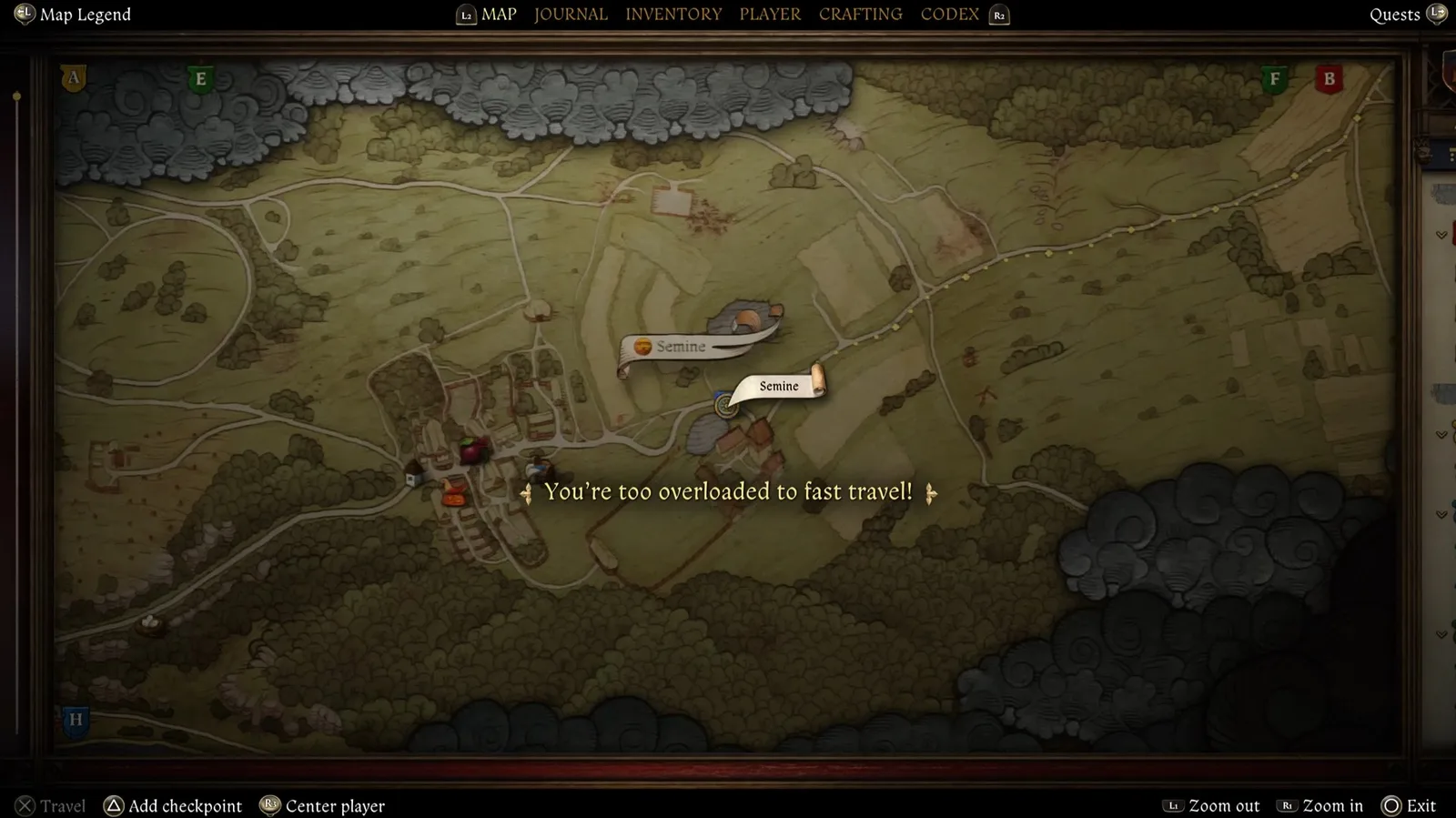
Source: Deltia's Gaming inventory advice
Do not infer extra rules from a single failed attempt. Being hungry, tired, near enemies, or in a quest can coincide with a failure, but the exact condition needs evidence from the current save. Fix the visible blocker first. If KCD2 fast travel remains unavailable, make a normal save, reload, and retry outside with a known destination. Console quest commands are a poor diagnostic because they can change quest state without fixing the travel condition.
KCD2 fast travel decision rules
Treat KCD2 fast travel as a return tool, not a substitute for discovery. Read the warning the game actually shows: go outside for an interior block, use the KCD2 inventory guide to move or store weight after an overload warning, and navigate manually in Hardcore Mode. For a region change, use the caravan. After an interruption, reassess the encounter rather than assuming the route will continue safely.
Before retrying
0/5 completedKCD2 Fast Travel Encounters and Preparation
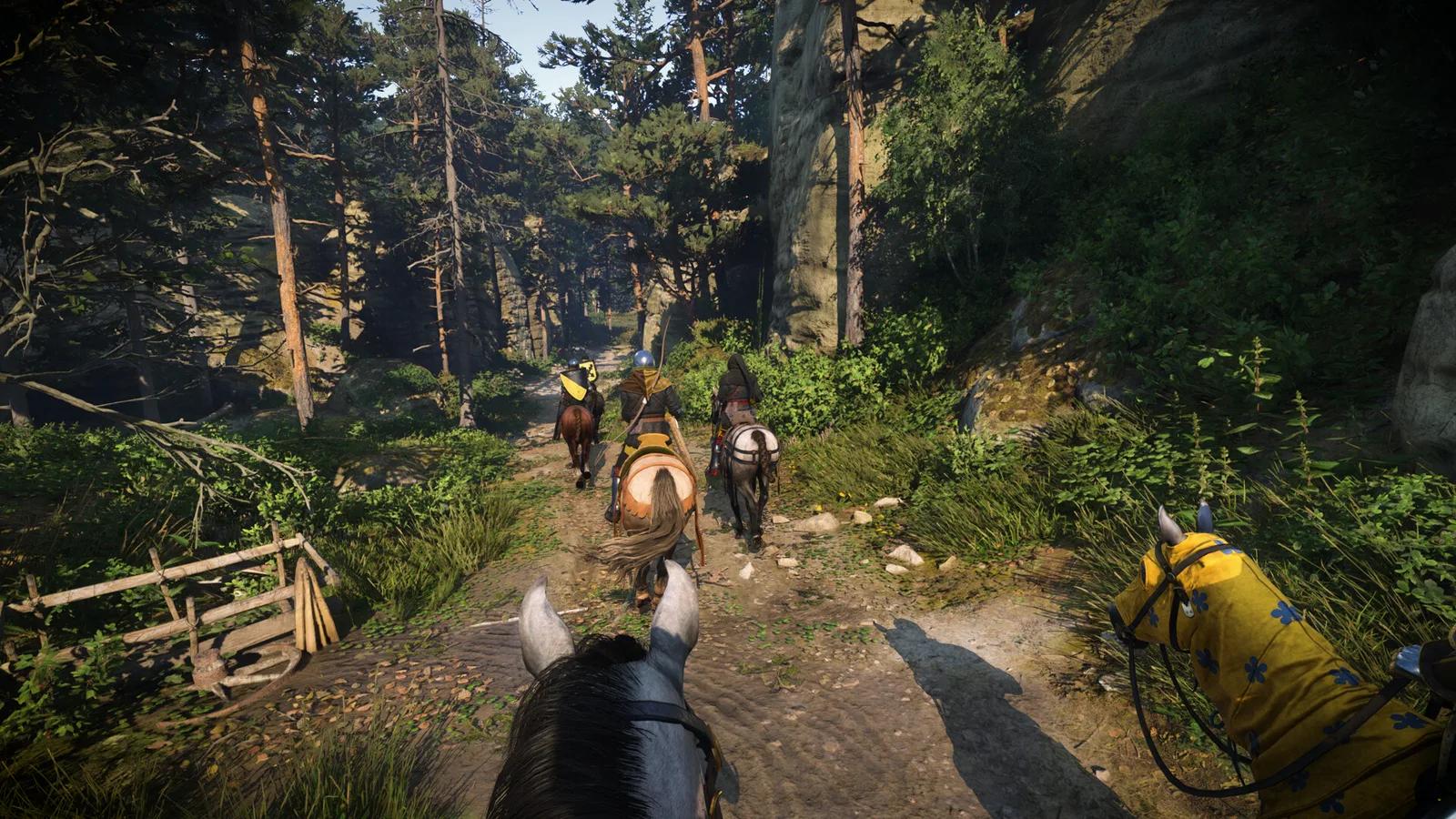
KCD2 fast travel moves Henry through the world rather than teleporting him. Random events can stop the route and present a decision. The event may be harmless, useful, or dangerous, and community reports show that many players first meet recurring characters this way. When KCD2 fast travel stops, read the prompt and look at the scene instead of assuming every encounter has the same outcome.
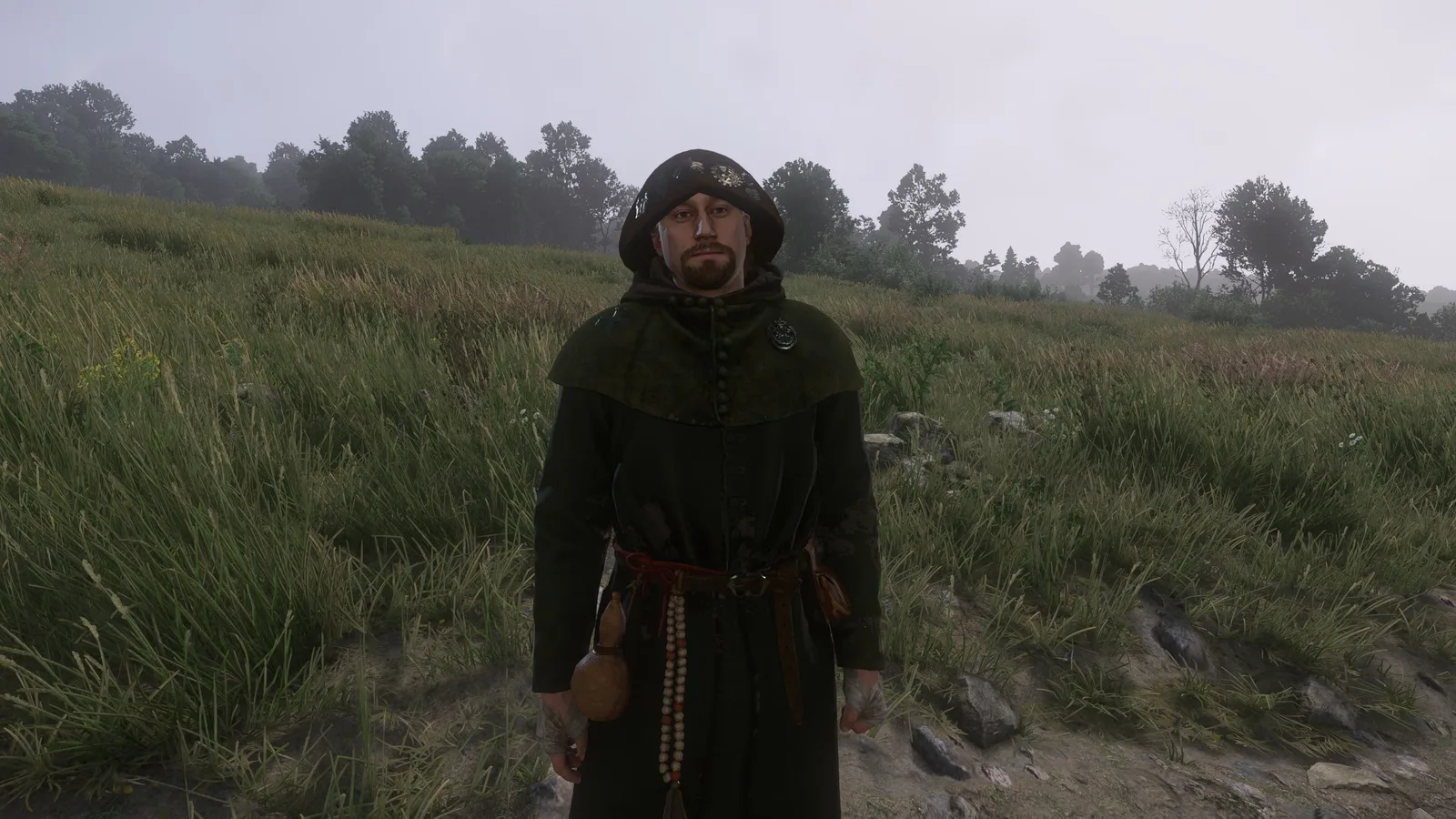
Source: PC Gamer Riddler Barley guide
KCD2 fast travel preparation is more reliable than trying to predict encounter odds. Before KCD2 fast travel, repair the equipment you intend to use, carry food and a light source, and keep enough free capacity for rewards or loot. Save before a long journey when losing recent progress would matter. The KCD2 torch guide covers night travel, while the KCD2 armor guide helps choose protection without treating the KCD2 fast travel screen as guaranteed safety.
Compare your options
| Travel choice | Best use | Limitation |
|---|---|---|
| KCD2 fast travel | Returning to a discovered destination in the current region | Time passes and an encounter can interrupt the route |
| Manual road travel | Discovery, Hardcore Mode, detailed route control | Takes direct navigation and exposes Henry to the road continuously |
| Horse travel | Faster manual exploration and carrying support | Still requires navigation and does not unlock unknown destinations automatically |
| Regional caravan | Moving between Trosky and Kuttenberg after the route opens | Costs 200 Groschen each way and is not an ordinary map selection |
KCD2 Fast Travel Between Trosky and Kuttenberg
Normal KCD2 fast travel stays within the current regional map. Once the story has opened Kuttenberg, a caravan provides the supported link between the two regions. On the Kuttenberg map, use the red wagon on the road west of Suchdol, near the map edge. On the Trosky side, speak with the caravan coachman at the regional departure point. The documented fare is 200 Groschen in either direction.
Follow the steps
- Progress the main story until the Kuttenberg region is available.
- Bring 200 Groschen and finish anything that should not be advanced by travel time.
- Find the caravan departure point for the region you are leaving.
- Speak to the coachman or interact with the red wagon and confirm the journey.
- After arrival, reopen the destination region's map and use its discovered local points normally.
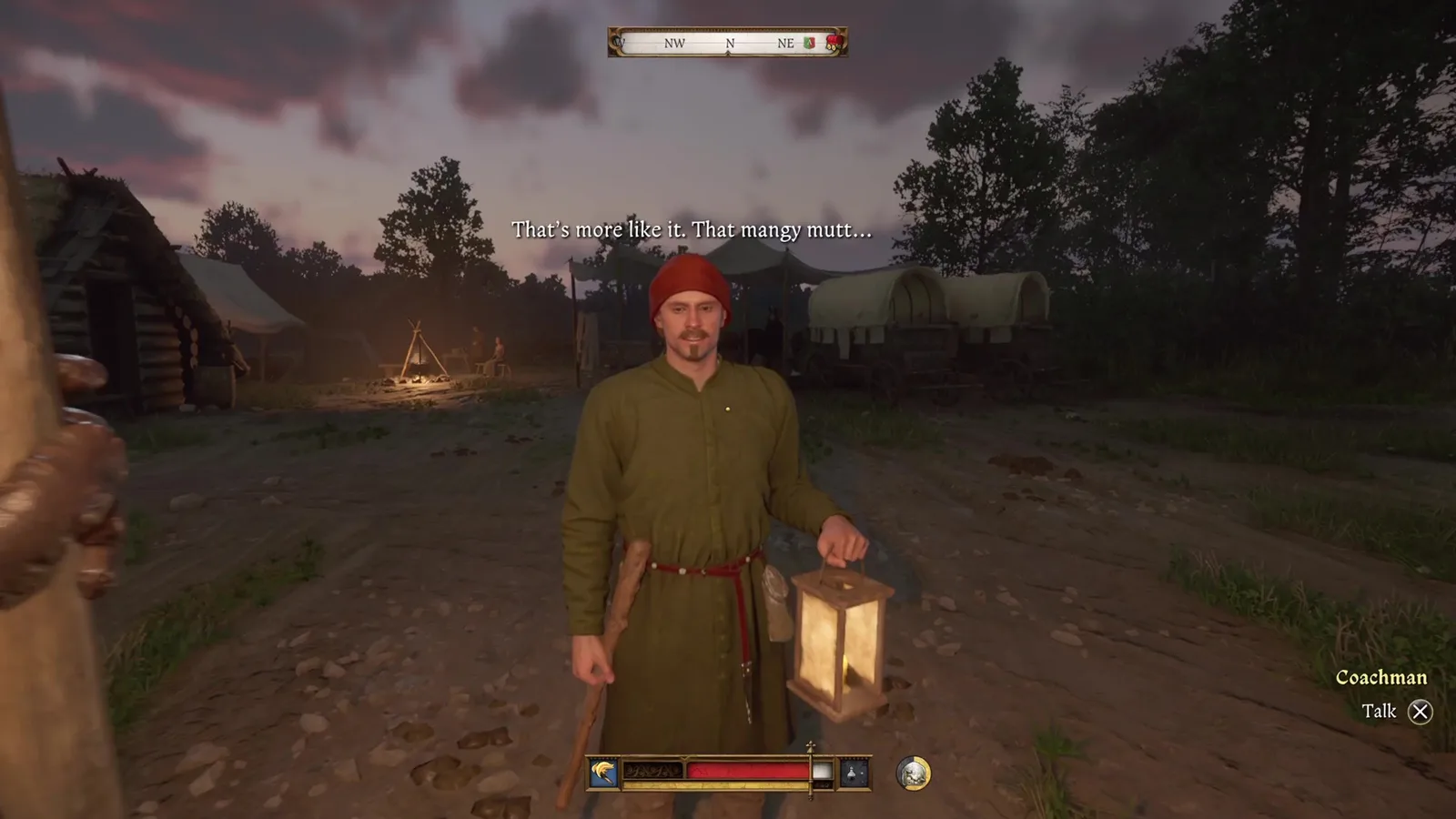
Source: GamesRadar region travel guide
The KCD2 fast travel caravan is a region transfer, not proof that every local destination on the other map is unlocked. After crossing, KCD2 fast travel still requires discovered markers. If you arrive in Kuttenberg for the first time, establish Suchdol and city access before planning repeated map jumps; the KCD2 Kuttenberg guide gives that first-loop order.
KCD2 Fast Travel FAQ
Can you fast travel to an undiscovered place?
No. KCD2 fast travel returns to destinations Henry has physically discovered. Walk or ride there first, let the marker register, then use it from the same regional map.
Does KCD2 fast travel work in Hardcore Mode?
Ordinary KCD2 fast travel is disabled in Hardcore Mode. That is an intended rule, not a broken map. Use roads, landmarks, the regional map pages and a horse for navigation.
Why does fast travel stop on the road?
An encounter can interrupt KCD2 fast travel. Read the prompt and treat the scene on its own merits; do not assume every interruption is combat or that one option is always safe.
Can KCD2 fast travel move directly between both maps?
No. Use the caravan after Kuttenberg is unlocked. Pay the 200 Groschen fare, cross regions, then use discovered destinations on the map where Henry arrives.
Does a horse automatically unlock fast travel points?
No. A horse helps with manual exploration, but Henry still has to reach a destination and register it. KCD2 fast travel becomes useful after discovery, not before it.
The reliable KCD2 fast travel loop is discover, prepare, select, confirm, then reassess on arrival. When it fails, diagnose the visible state instead of guessing: leave the building, clear overload, confirm the mode and region, and use the caravan for the one job the normal map cannot perform.
Your saved guides
Saved only in this browser for 30 days. No account or game-save access.
Save a guide to find it here on your next visit.