
The short answer
Use three layers for KCD2 inventory management: Henry carries current-job equipment, the horse carries sale loot and a field reserve, and a shared chest holds long-term gear, spare outfits, ingredients, and collectibles. A KCD2 inventory setup keeps those roles separate. Watch the KCD2 inventory weight, move the heaviest low-priority items first when overloaded, and sort before dropping anything. Outfit presets remember equipped pieces; they do not create weight-free copies, so every saved set depends on the items remaining with Henry.
KCD2 inventory problems usually come from mixing four jobs in one list: current equipment, emergency supplies, sale loot, and possessions kept for later. In KCD2 inventory, category tabs, sorting, the horse tab, outfit presets, and personal storage help, but they do not decide where each item belongs. The solution is a repeatable transfer rule for KCD2 inventory, not a command, exploit, or carry-weight mod.
A Practical KCD2 Inventory System
For every trip in KCD2 inventory, assign each item to one of three layers. This split keeps KCD2 inventory capacity predictable and prevents a valuable quest item, clean social outfit, or rare ingredient from disappearing into a sale pile.
Choose the right storage layer
| Layer | Keep here | Move out |
|---|---|---|
| Henry | Active armour and weapons, bandages, a torch, planned potions, route food, lockpicks if needed, one repair plan | Duplicate weapons, spare armour, bulk ingredients, trophies, sale stock |
| Horse | High-value sale loot, a backup weapon, limited food and repair supplies, bulky finds until town | Long-term collections and anything needed while the horse is unavailable |
| Personal shared chest | Spare outfits, collectibles, read books, reserve potions, ingredients, equipment for later builds | Supplies needed before Henry can reach another owned bed and chest |
The KCD2 inventory shows condition, weight, value, and relevant combat or clothing statistics. When reviewing KCD2 inventory, a heavy damaged cuirass can be less useful than jewellery, dice, or a light high-value weapon. Currency has no carry weight.
Use category tabs in KCD2 inventory before scrolling the full list. Weapons and Armour reveal the largest items; Food exposes excessive provisions; Materials shows growing stacks; Other contains tools and miscellany.
Move Items Between Henry, Horse, and Chest
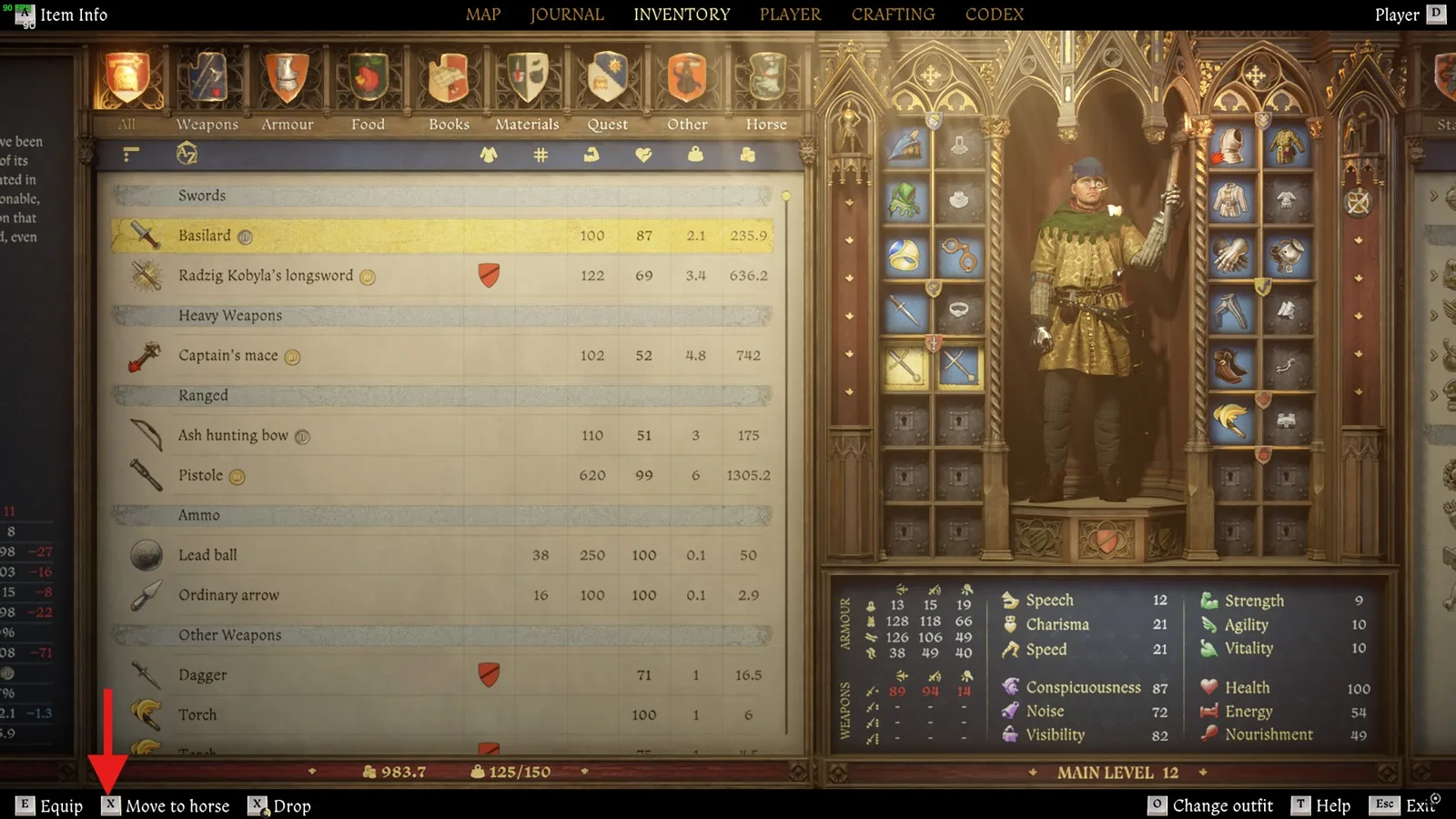
Open Inventory, highlight the item in KCD2 inventory, and use Move to horse. The horse has a separate rightmost tab in KCD2 inventory. Open it, select an item, and use Move to inventory when Henry needs it again. Trust the live button label instead of memorizing another platform's layout.
Source: Deltia's Gaming fast-travel guide
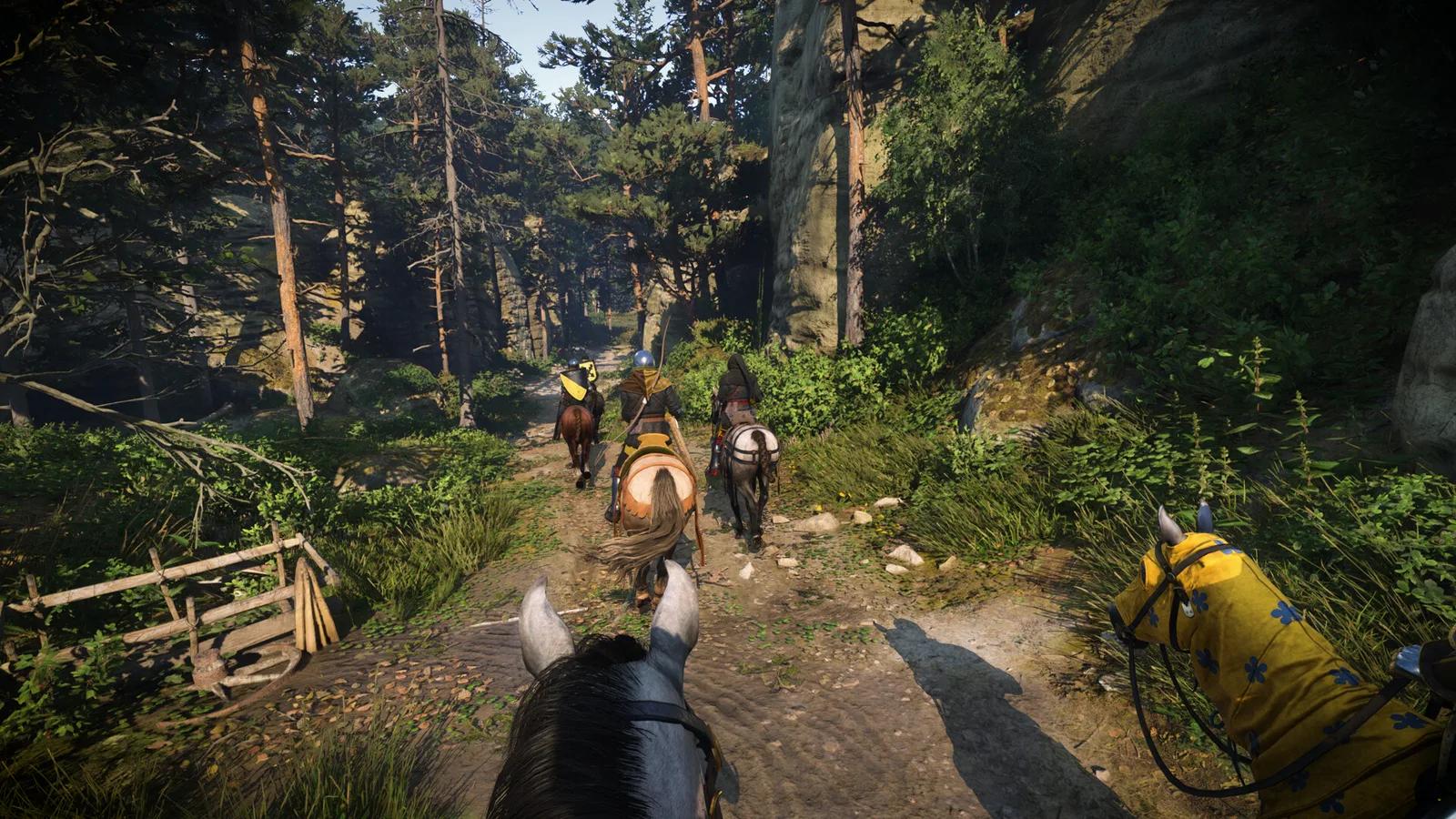
For KCD2 inventory, the horse is a mobile buffer rather than unlimited storage. Its Capacity appears on the horse screen, and tack can change it. Compare the KCD2 inventory capacity with equipped tack before buying an upgrade. The KCD2 horse guide explains capacity-focused mounts and why the best choice depends on the job.
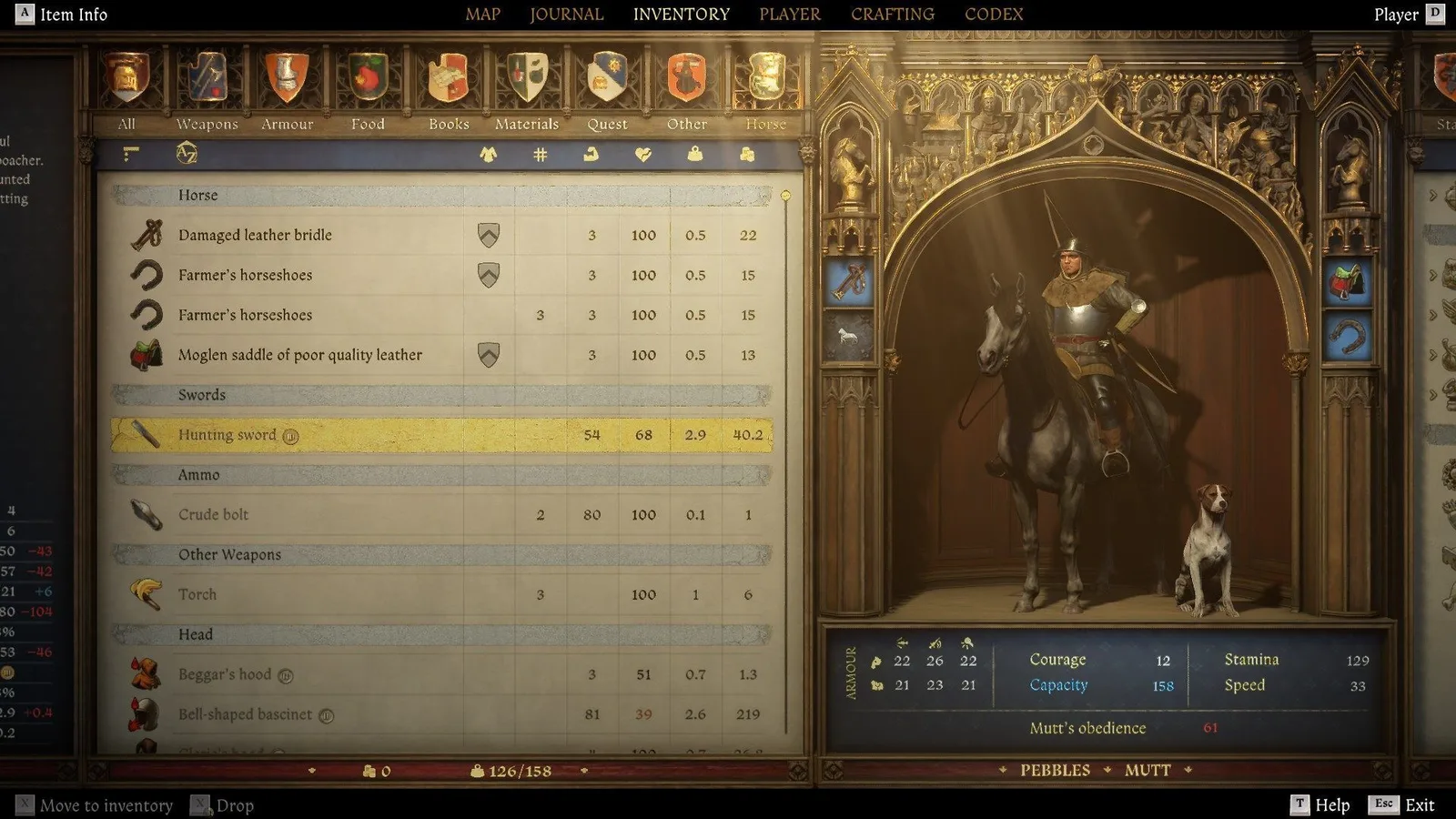
Source: Gamepressure carrying-limit guide
Transfer without losing track of an item
- In KCD2 inventory, open the category that contains the item instead of the complete list.
- Read the item's name, condition, ownership icon, weight, and value before moving it.
- Use the displayed Move to horse action and confirm that KCD2 inventory weight leaves Henry's total.
- Open the Horse tab and verify that the item moved in KCD2 inventory and the horse remains below capacity.
- At a merchant or chest in KCD2 inventory, move only the stack you intend to sell, equip, or store back to Henry.
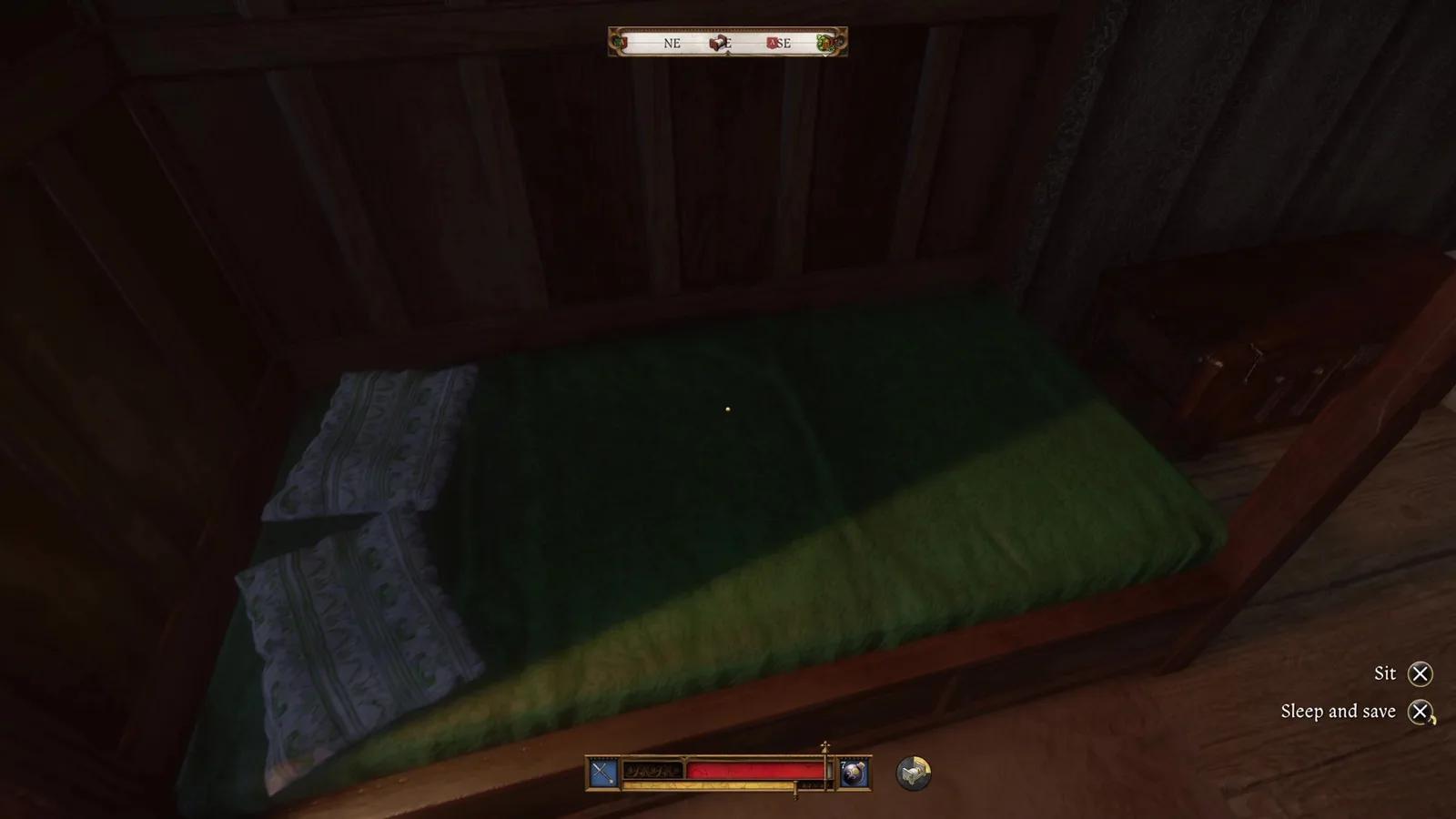
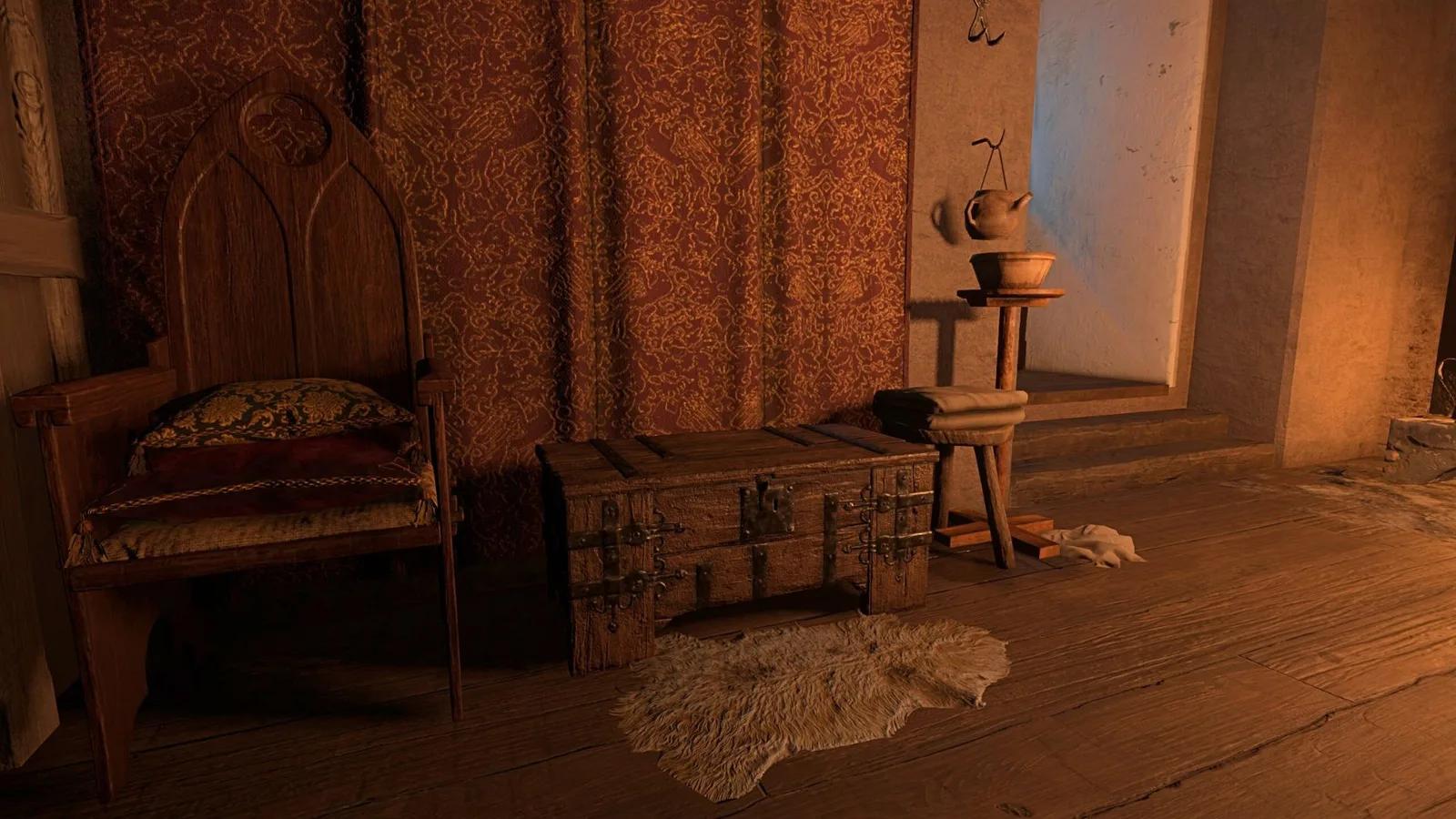
A personal storage chest is normally beside an owned or assigned bed. Within KCD2 inventory, these linked chests share contents and have infinite capacity, so they are the correct place for long-term storage in KCD2 inventory. A random container in a camp, house, or quest area is not automatically part of the KCD2 inventory chest network. Confirm the chest interaction and ownership context before trusting it with irreplaceable gear.
Inside a chest, switch between the container and Player sides, use categories in KCD2 inventory, and transfer a selected item or stack. In KCD2 inventory, avoid transfer all unless you have intentionally reviewed the whole side: it can undo the organization you were trying to create and may overload Henry immediately.
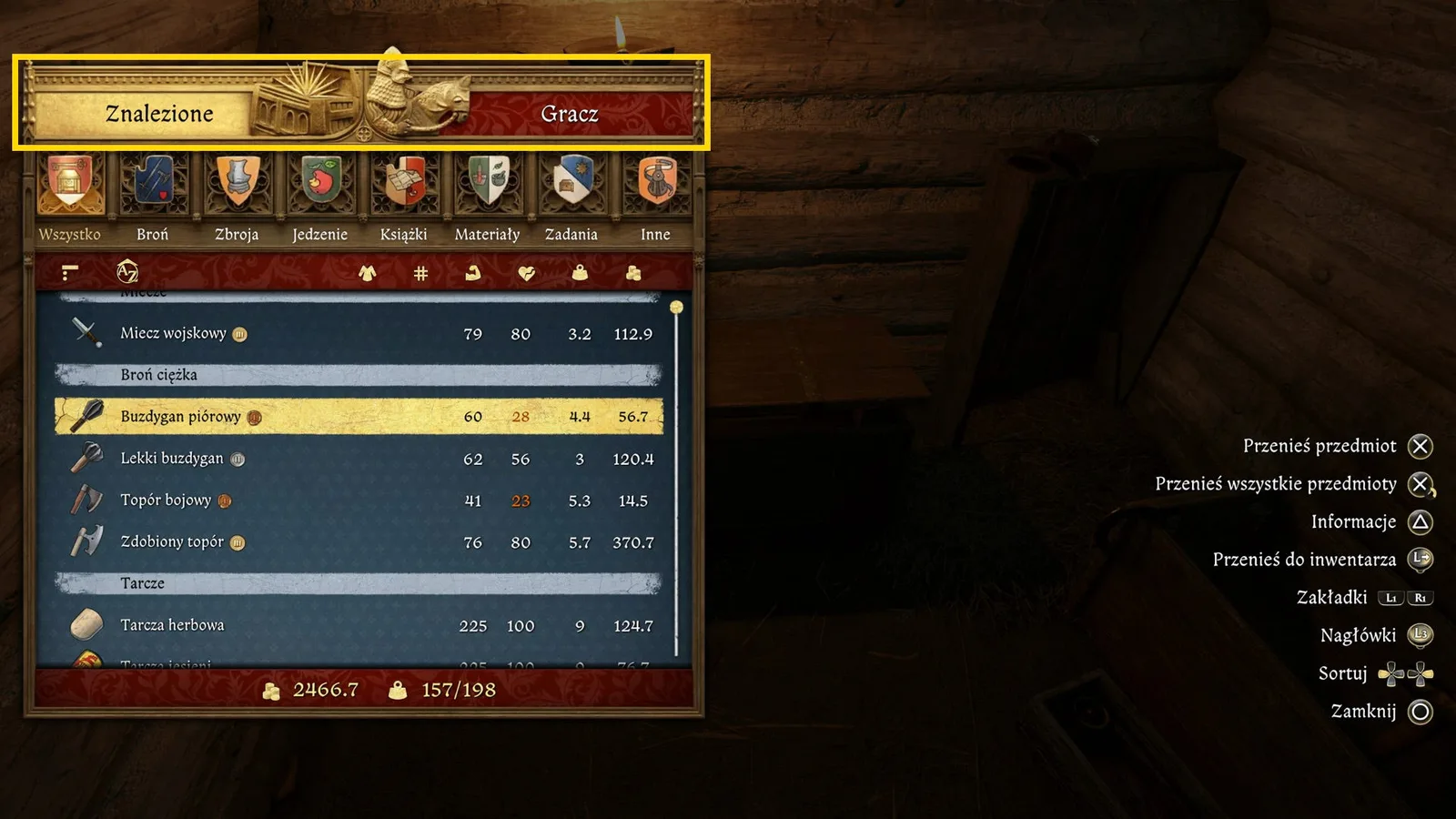
Source: Eurogamer.pl safe-storage guide
Fix an Overloaded KCD2 Inventory
When the KCD2 inventory load passes capacity, stop collecting and diagnose the list. To recover KCD2 inventory, do not drop the first expensive-looking object. Sort or inspect the heaviest categories in KCD2 inventory and remove weight in the safest order.
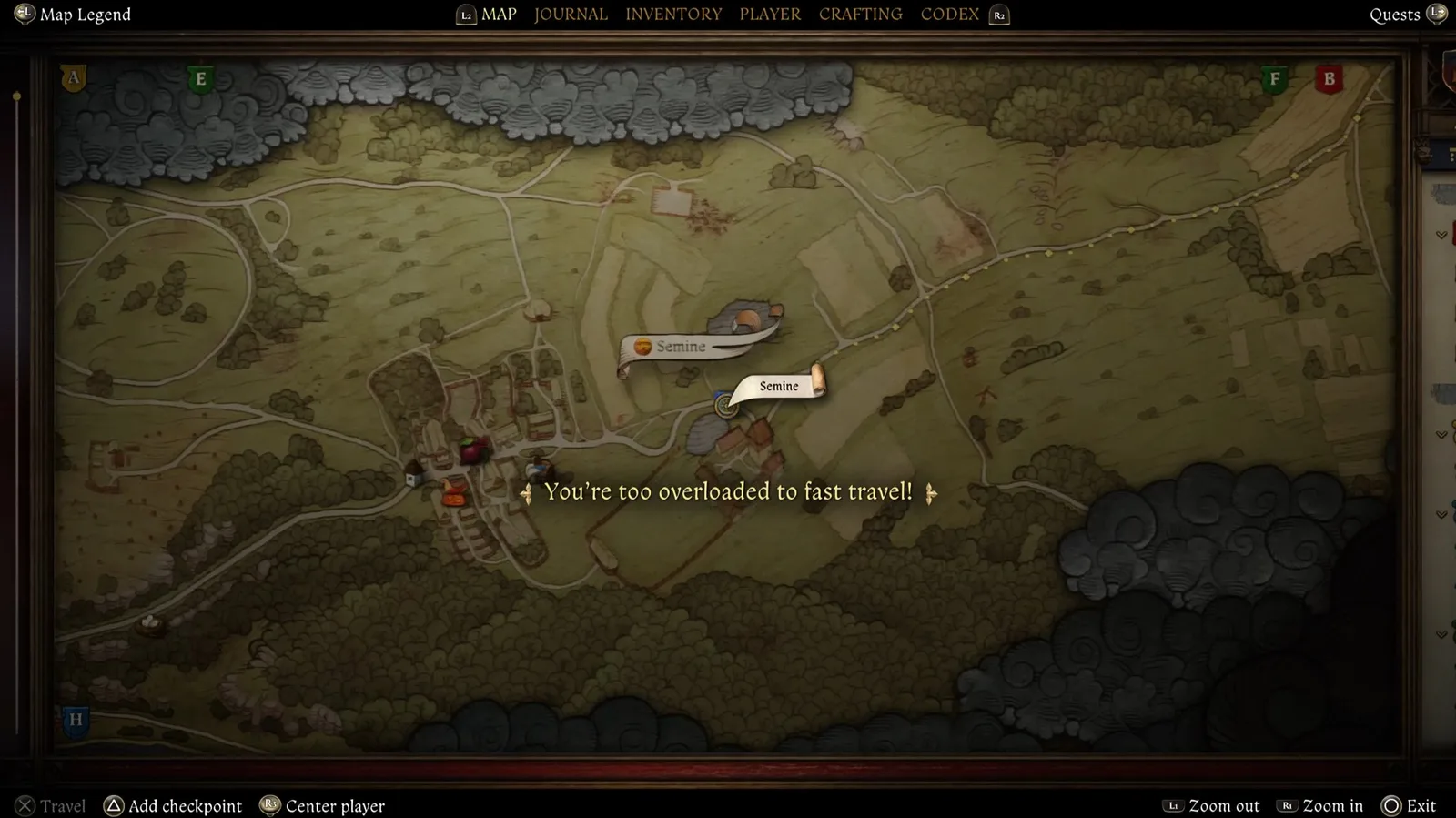
Source: Deltia's Gaming mistakes guide
Overload recovery order
| KCD2 inventory check | Why it matters | Safe action |
|---|---|---|
| Duplicate armour and weapons | A few large pieces usually create most of the overload | Keep the active or clearly valuable piece; move sale candidates to the horse |
| Food and ingredients | Large stacks accumulate quietly | Keep route quantities; store reserves and discard spoiled low-value food only if necessary |
| Repair kits, ammunition, and potions | Useful items become heavy in unnecessary quantities | Carry a deliberate field reserve and store the rest |
| Horse load | Moving items fails when the horse is also full | Move low-priority horse stock to a shared chest or sell it before the next expedition |
| Nearby safe storage or merchant | A short slow walk may preserve valuable loot | Take a direct, low-risk route instead of fighting or fast travelling overloaded |
For sale loot in KCD2 inventory, compare likely net value with weight, condition, ownership, and the merchant's available Groschen. Displayed value is not guaranteed cash. Stolen items in KCD2 inventory need a fence or time in storage, while badly damaged gear may cost more to restore than it earns. Use the KCD2 money guide before hauling every armour piece across a region.
Strength, perks, a stronger horse, and suitable tack may raise KCD2 inventory limits. Recheck the live screens in KCD2 inventory after equipment changes. Do not use an unverified tool or destructive command for an ordinary organization problem.
Before leaving the inventory screen
0/5 completedManage Outfits, Loot, and Crafting Materials
KCD2 inventory supports three outfit presets, but each preset saves an equipment arrangement rather than storing items. If a piece leaves Henry's KCD2 inventory, the preset cannot summon a copy from the chest. Three independent outfits therefore consume substantial KCD2 inventory capacity.
In KCD2 inventory, build presets around shared light layers: one protected combat outfit, one quiet outfit, and one clean charisma outfit. Do not carry a second heavy breastplate merely to make each preset unique. After switching, check weight in KCD2 inventory plus Charisma, Noise, Visibility, Conspicuousness, and protection. The KCD2 armour guide covers layers; the KCD2 charisma guide explains why cleanliness and the complete outfit matter more than one garment's name.
Questions about KCD2 inventory repeat two jobs: preserving named outfits and controlling ingredients. Keep a list or screenshot of stored sets because the shared chest has no labelled compartments. Carry only current-plan ingredients; bulk herbs and forging materials from KCD2 inventory belong in the chest.
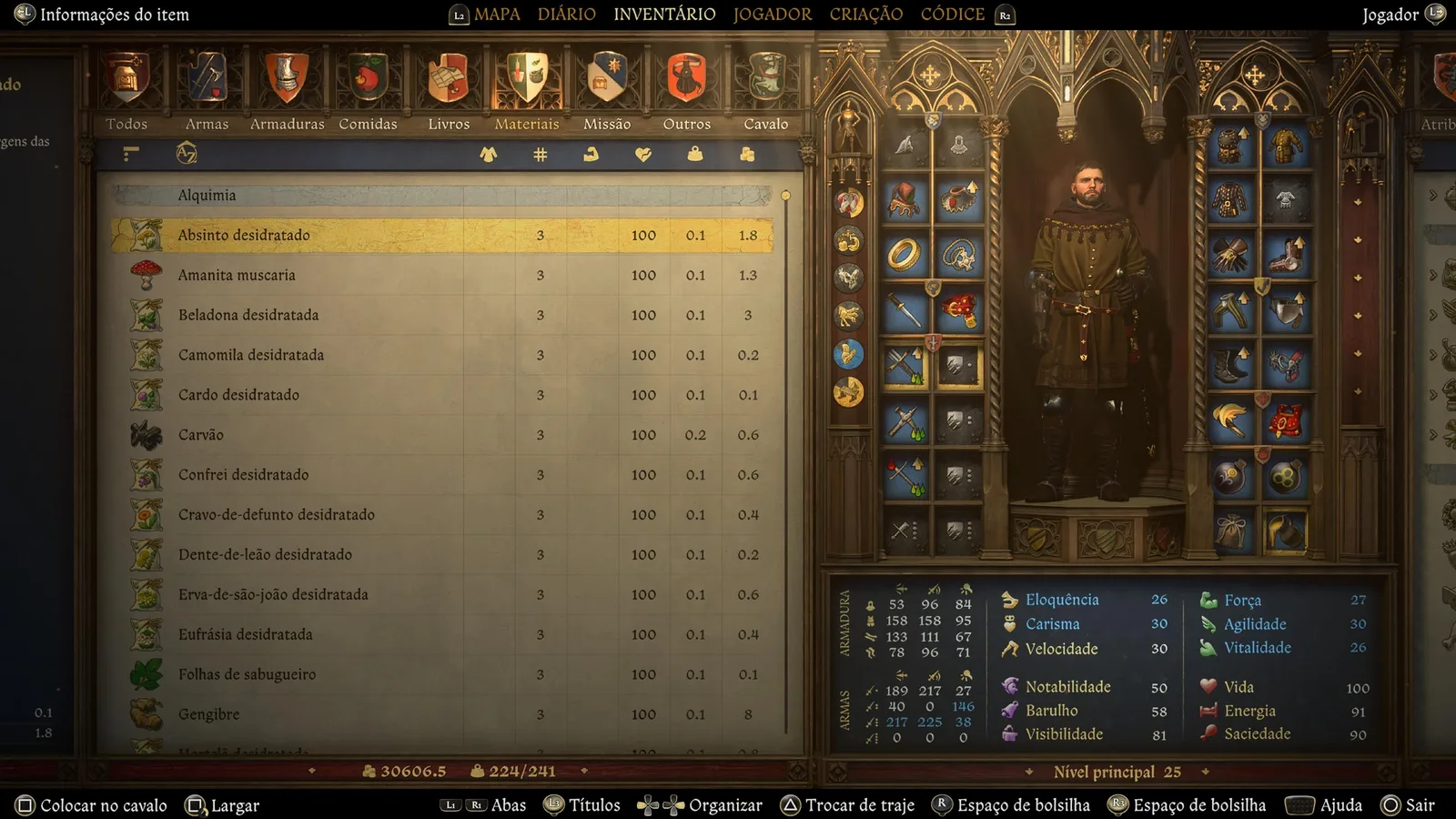
Source: Reddit KCD2 inventory-management discussion
Do not treat claims about automatic crafting access from KCD2 inventory as universal. DLC, patch, location, and activity can change which stored materials are recognized. Read the recipe, verify quantities, and test the bench with a recoverable save before reorganizing a stockpile.
KCD2 Inventory Routine After Every Trip
At lodging or a merchant, reset KCD2 inventory: repair the active kit and only profitable sale items, sell clean surplus, store stolen or keep-for-later items, refill the field reserve, then check outfits and weight margin.
Reset the inventory for the next job
- Finish selling before buying so the remaining load is clear.
- Store collectibles, spare equipment, books, and bulk materials.
- Refill only the planned amounts of food, bandages, potions, ammunition, and repair supplies.
- Check every outfit preset for missing pieces and avoid carrying redundant heavy layers.
- Confirm Henry and the horse both have free capacity, then make a durable save.
The next job defines the correct KCD2 inventory loadout: city conversation needs clean clothing and loot space; combat needs protection and recovery supplies. The KCD2 beginner tips places this KCD2 inventory reset inside the shelter, save, training, and travel loop.
KCD2 Inventory FAQ
Are all chests shared storage?
No. Use the personal safe chest associated with Henry's owned or assigned lodging. Do not assume an ordinary world or quest container is linked or permanent.
Can an outfit preset hold items without weight?
No. The preset remembers an equipment combination; its pieces still exist in Henry's inventory and count toward the displayed load.
Why can I not move another item to the horse?
Open the Horse tab and check its current load and Capacity. If it is full, sell or move low-priority stock to personal storage. Also read the live action prompt in case the selected item or current context does not allow the transfer.
What should I drop first when overloaded?
Prefer spoiled, low-value, easily replaced items only after checking duplicate heavy gear and the horse. Do not drop quest objects, unique equipment, evidence, or an item whose ownership and purpose you have not identified.
Is a carry-weight mod necessary?
No. Most overload problems can be solved through the horse, shared storage, smaller field reserves, and better loot selection. Mods are a separate choice with compatibility and update risks; this guide does not require one.
Your saved guides
Saved only in this browser for 30 days. No account or game-save access.
Save a guide to find it here on your next visit.