


The short answer
KCD2 lockpicking works by finding the position where the cursor becomes large and gold, then rotating the lock while keeping the pick inside that moving sweet spot. Start from a comfortable point—often nearer the centre—then use small corrections, and release before the pick breaks if the cursor turns grey or shakes heavily. Practise on Miller Kreyzl's repeatable chest at Lower Semine, carry spare lockpicks, and follow the control shown on your own screen.
Cover disclosure: AI-generated conceptual editorial illustration of a medieval lock, not an in-game screenshot or exact location.
KCD2 lockpicking is a coordination check, not a random chance roll. Lock difficulty and Henry's Thievery level affect how forgiving the sweet spot feels, but the player still has to guide the pick through one full rotation. The useful KCD2 lockpicking goal is consistent control on appropriate locks—not forcing a Very Hard chest with a new character and a single pick.
How KCD2 Lockpicking Works
Walk up to a locked container or door and read its difficulty before committing. KCD2 lockpicking uses five labels: Very Easy, Easy, Medium, Hard, and Very Hard. If the KCD2 lockpicking prompt says the lock is beyond Henry's ability, return after improving Thievery instead of spending lockpicks on an unavailable attempt.
Follow the steps
- Enter the KCD2 lockpicking interface. Move the cursor around the lock without starting the rotation.
- Find the KCD2 lockpicking sweet spot. The cursor grows and turns gold when the pick reaches the correct position.
- Choose a useful starting angle. A point nearer the centre often reduces the distance you need to track; choose the position you can follow smoothly. Leave and reopen the lock if the first position feels awkward.
- Begin the KCD2 lockpicking rotation. Hold the control displayed on screen and move the pick in the same circular direction as the lock.
- Correct gently. Keep the cursor gold; sudden large movements make KCD2 lockpicking less stable.
- Release when KCD2 lockpicking control is lost. Stopping preserves the pick more reliably than forcing a grey, violently shaking cursor.
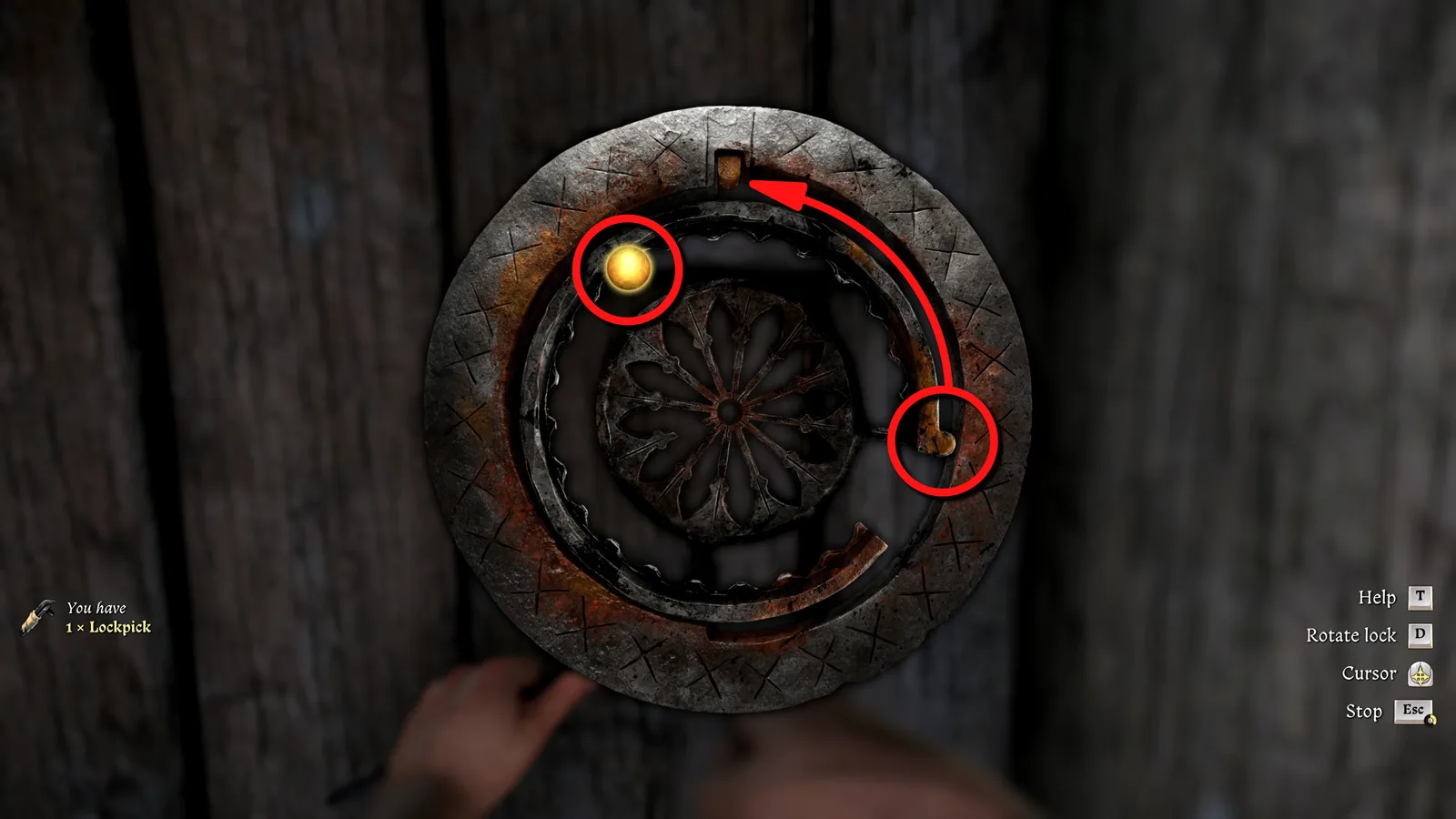
Source: Shacknews
The gold cursor is the clearest KCD2 lockpicking feedback. Sound and vibration can help, but they are secondary: watch whether the cursor stays large and gold while the lock turns. Releasing and resetting KCD2 lockpicking is a valid recovery, especially while learning.
KCD2 Lockpicking Controls on PC and Controller
Compare your options
| Input | Find the sweet spot | Rotate the lock | Practical adjustment |
|---|---|---|---|
| Mouse and keyboard | Move the mouse around the cylinder | Hold the rotate key shown in the interface | Trace a smooth circle with the mouse instead of pushing straight sideways |
| Controller | Move the right stick around the cylinder | Hold the shoulder/trigger control shown on screen | Pinch the stick for fine movement and choose a comfortable starting point, often nearer the centre |
KCD2 lockpicking on controller does not need identical hand motion to the first game. The current interface may rotate at a fixed rate while you use the right stick to keep the sweet spot aligned. Button labels can differ by platform, control preset, or game version, so the live prompt is authoritative. This guide deliberately does not substitute an unverified L2/LT or R2/RT label for what your screen displays.
For mouse KCD2 lockpicking, place more attention on drawing a steady arc than on speed. For controller KCD2 lockpicking, brace your hand and use the side of the thumb rather than repeatedly flicking the stick. In both cases, pause before the attempt if the starting position is cramped. KCD2 lockpicking becomes easier when the motion begins from a comfortable point rather than after rotation has already pulled the sweet spot away.
Where to Get Lockpicks and Practise Safely
Early in the game, Bara can give Henry a first KCD2 lockpicking tool during the conversation after the opening separation. Select the dialogue about getting into armoury or town-hall equipment. This is a limited early source, so do not treat it as an endless KCD2 lockpicking supply.

Source: PC Gamer
KCD2 lockpicking tools can also appear as loot, including in some bird nests. Nests are opportunistic finds rather than a dependable restock route, but checking one can rescue an early KCD2 lockpicking attempt when merchants are not yet convenient.
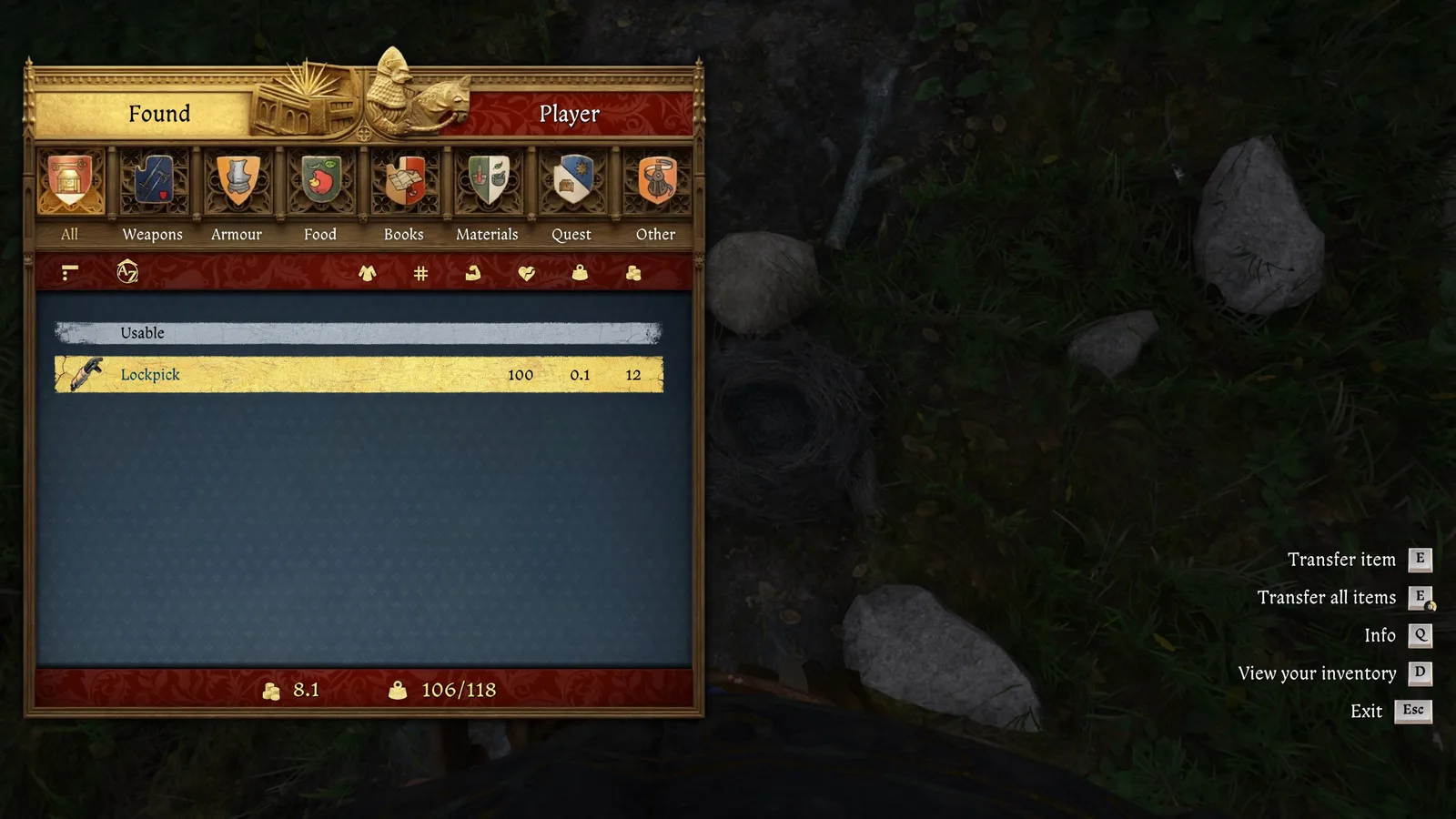
Source: PC Gamer
The best controlled KCD2 lockpicking practice comes from Miller Kreyzl at Lower Semine. His early quest route introduces Thievery and gives access to a repeatable practice chest in the barn area. Use that chest to learn the full KCD2 lockpicking rotation without turning every failed KCD2 lockpicking attempt into a town crime. Nearby practice supplies shown in guides can help, but availability may depend on quest state; buy or loot legitimate spares rather than assuming every container refills.
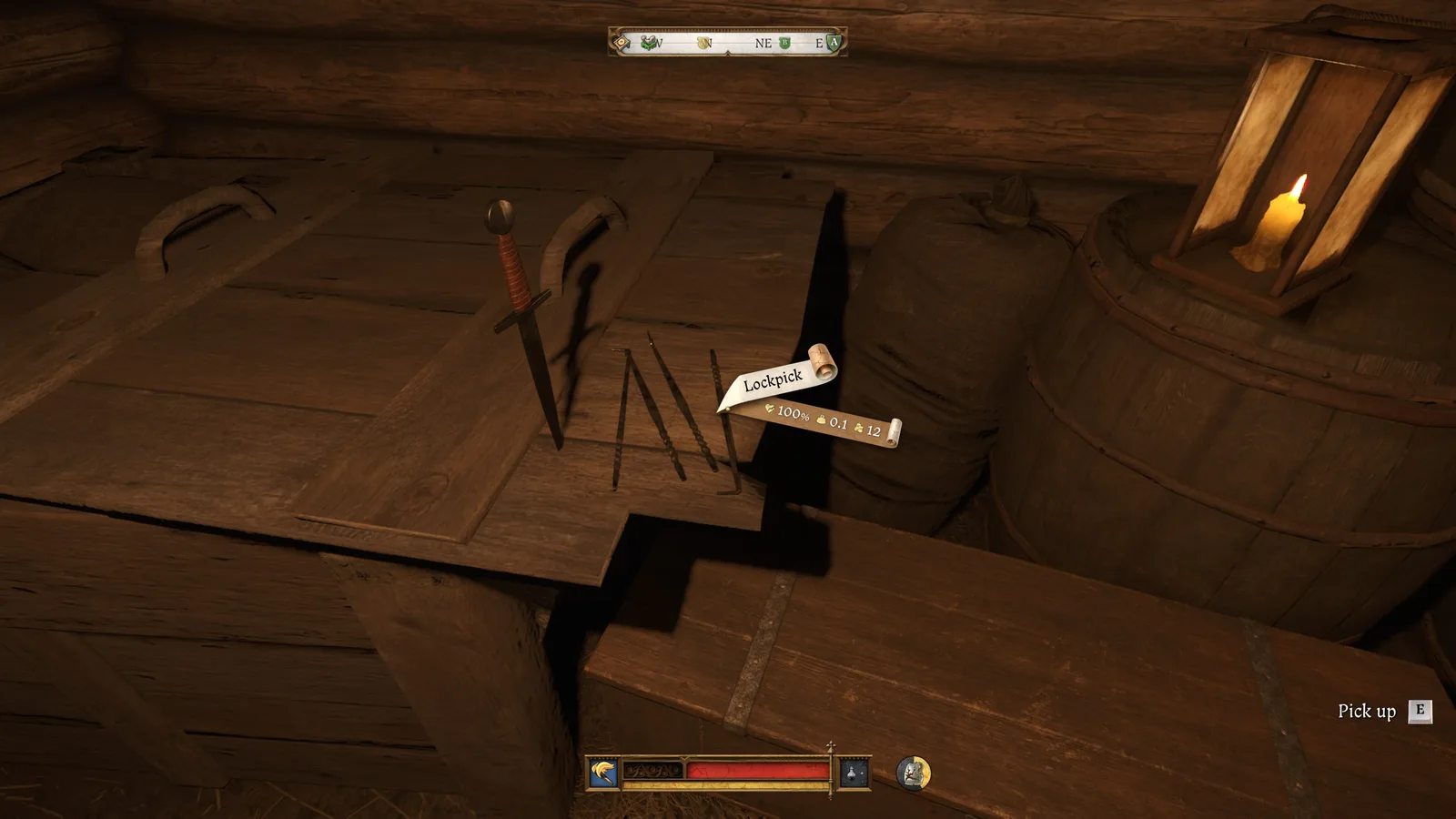
Source: PC Gamer
Before a practice session
0/5 completedThe broader KCD2 skills guide explains how Thievery fits a useful KCD2 lockpicking training loop. Practise until KCD2 lockpicking feels repeatable, then move up one difficulty at a time.
Thievery, Perks, and Potions for KCD2 Lockpicking
Thievery is the governing skill for KCD2 lockpicking and pickpocketing. Appropriate successful locks provide useful KCD2 lockpicking progression; repeatedly attacking a lock that Henry cannot attempt does not replace skill growth. Training, skill books, and Miller Kreyzl's practice route can help when KCD2 lockpicking trails the rest of a build.
Reference table
| Upgrade | What it changes | When it helps |
|---|---|---|
| Tool Master | Increases lockpick durability by 15% | Long practice sessions and expensive failed attempts |
| Mischief Artist | Improves Stealth and Thievery after successfully picking a lock or pocket | A short follow-up window for another nearby stealth task |
| Quickfinger potion | Boosts Craftsmanship and Thievery for its duration | Players who can find gold but lose it during rotation |
| Padfoot (legacy/internal label) | Not a current player-facing potion; use the in-game recipe name | When an older guide uses this label |
Read the in-game KCD2 lockpicking perk description before spending a point because unlock conditions and wording are part of the current build. For most beginners, a perk that protects scarce picks or improves control solves a clearer KCD2 lockpicking problem than a crime-chain bonus. The current Tool Master data entry lists the 15% durability increase, while the Quickfinger recipe entry lists Craftsmanship and Thievery as its effects. The KCD2 recipes guide covers the verified alchemy workflow if you plan to brew Quickfinger; if an older source calls it Padfoot, follow the current in-game name.
Why KCD2 Lockpicking Fails
Find the cause
| Symptom | Likely cause | Recovery |
|---|---|---|
| Cursor never becomes gold | Search is too narrow or Henry cannot attempt the lock | Sweep the full circle slowly and recheck the difficulty prompt |
| Gold disappears immediately | Rotation started from an awkward position | Exit, reopen, and choose a comfortable point nearer the centre |
| Pick shakes and breaks | The cursor has left the moving sweet spot | Release the rotation, recenter, and make smaller corrections |
| Controller feels uncontrollable | Large stick movement or misunderstood rotate input | Follow the live prompt, brace the stick, and practise on an easier chest |
| Very Hard locks stay unavailable | Thievery or the current condition is insufficient | Return after training, books, equipment, potion support, or relevant perks |
| Guards interrupt the attempt | The action is witnessed, noisy, or in a restricted place | Leave, reduce visibility and noise, and choose a legal practice target |
Do not diagnose every KCD2 lockpicking failure as a bug. First verify the KCD2 lockpicking difficulty, current Thievery, active effects, remaining lockpicks, and whether the displayed rotate control is being held. If the KCD2 lockpicking interface still ignores a correct input, reload a recent save and test one known easy practice lock before changing settings or installing a mod.
PC players with unusual KCD2 lockpicking cursor shake can consult the KCD2 commands guide, which documents console options separately. Commands are troubleshooting tools, not the normal KCD2 lockpicking solution for low Thievery or a missed sweet spot.
Avoid Witnesses and Bounties in KCD2 Lockpicking
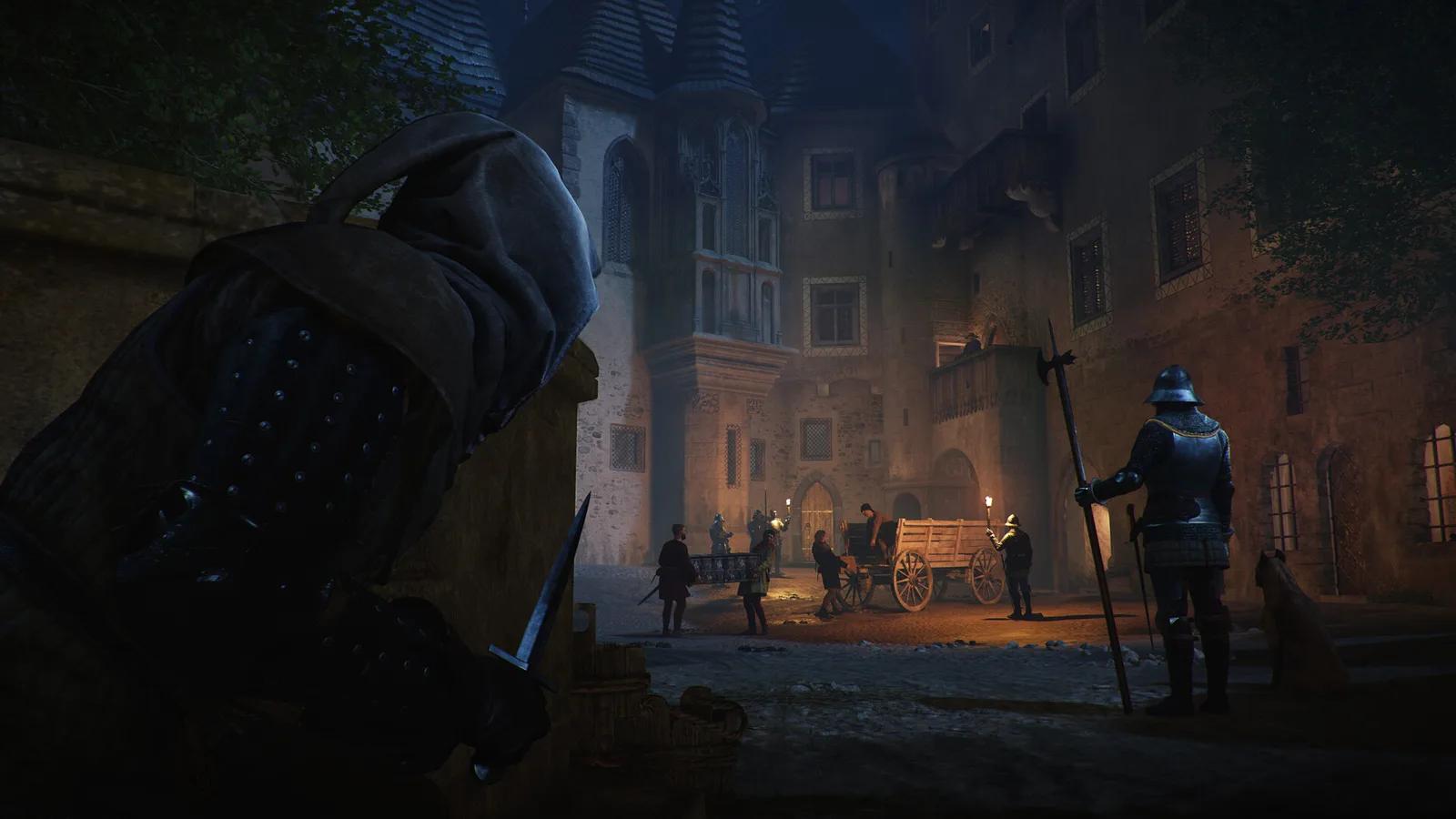
KCD2 lockpicking is often illegal even when the minigame itself is easy. Check for the red ownership/crime context, crouch where appropriate, close doors, wait for patrols to move, and watch Noise, Visibility, and Conspicuousness. A successful lock does not erase trespassing or theft.
Use the KCD2 stealth guide to plan the approach, read patrols and reset safely after exposure before returning to the lock.
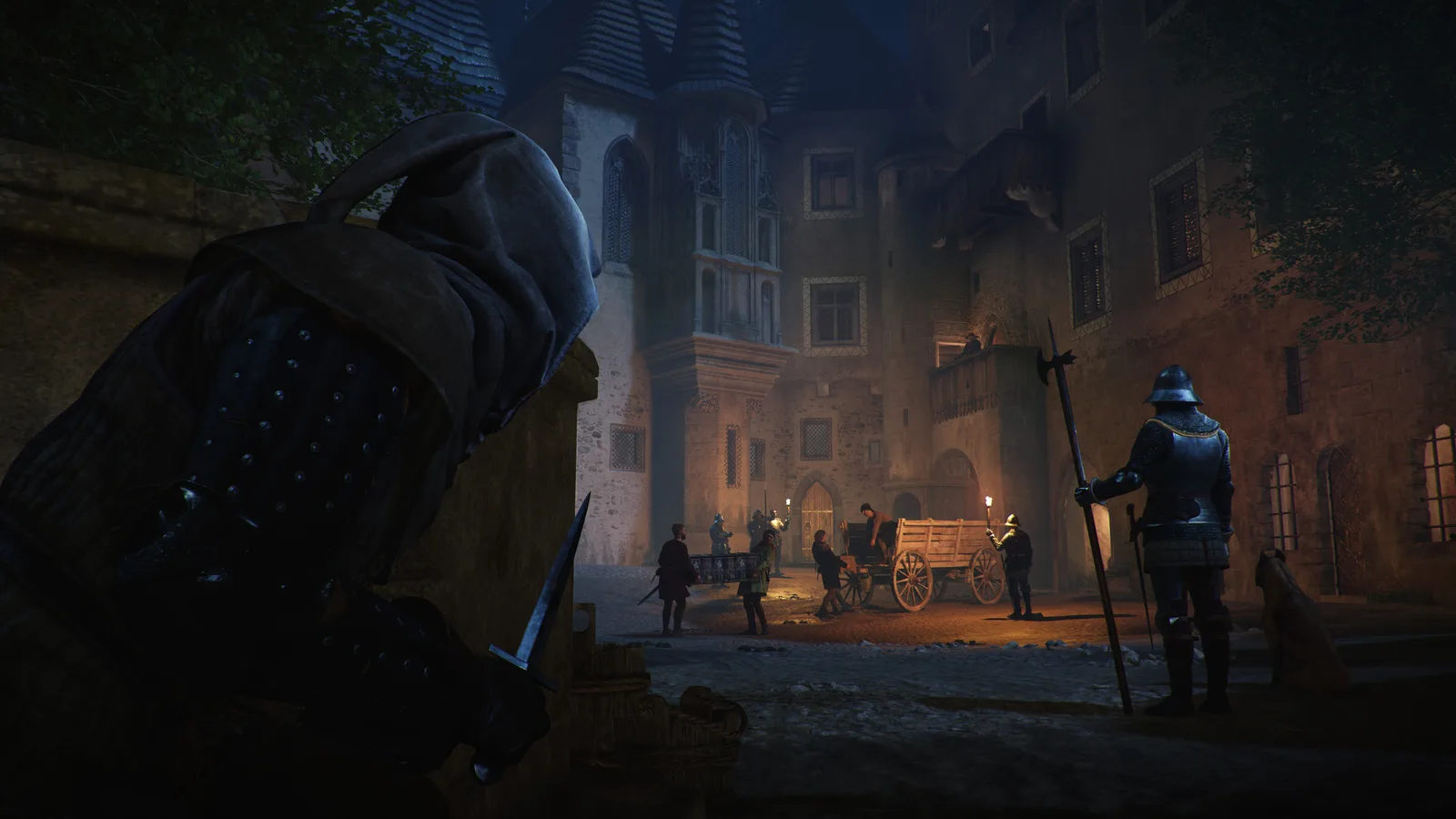
Source: Shacknews
Carry only the KCD2 lockpicking tools needed for the route, keep valuable stolen goods away from an immediate guard search, and leave before repeating a noisy attempt. The KCD2 money guide helps rebuild a KCD2 lockpicking reserve for tools and fines, while the saving guide explains legitimate checkpoints before a risky route.
KCD2 Lockpicking Final Check
KCD2 lockpicking becomes reliable when three things line up: a lock Henry can attempt, a comfortable gold starting point, and one smooth rotation with small corrections. Train on the Lower Semine chest, protect your supply, and treat stealth and ownership as separate checks from the minigame.
Your saved guides
Saved only in this browser for 30 days. No account or game-save access.
Save a guide to find it here on your next visit.